

Assign Multiple Projects to Resources
Assign unassigned repositories to JFrog Platform Projects from the central resources page after an upgrade or bulk migration.
You can assign JFrog Projects to resources from the central resources page. This is useful if you have upgraded from a previous version of the JFrog Platform and your resources are set as unassigned and you need to assign multiple unassigned resources to projects.
When you assign a resource to a project, the project owns and manages the resource. When you share a resource with a project, the project does not own the resource.
Note
When you assign a resource to a project, the project owns and manages the resource. When you share a resource with a project, the project does not own the resource.
How to Assign Projects to Repositories
-
Click Projects to open the project options, and then select Browse Projects.
-
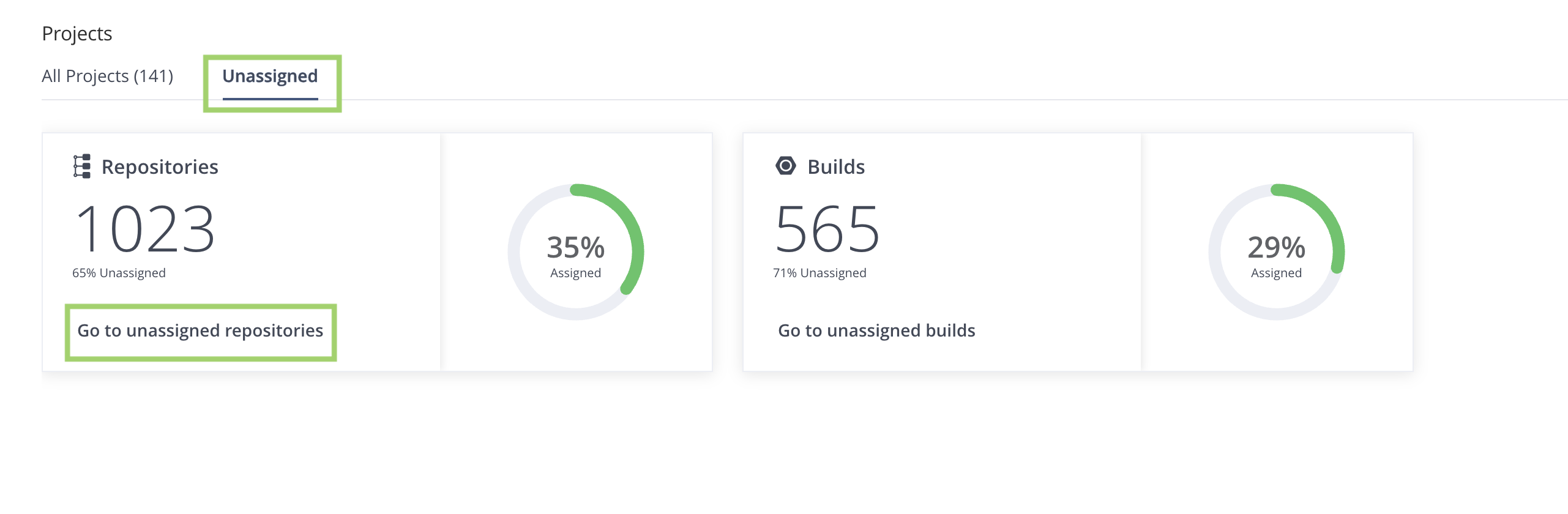
Go to the Unassigned tab, and click Go to unassigned repositories.
-
In Repositories, select one of the following tabs: Local, Remote, Virtual, Release Bundle, or Federated.
-
For each repository, select a project name in the drop-down menu under the Project column to choose which project assumes ownership of that resource.

Related Topics
Updated about 1 month ago