

Delete a Project
Delete an empty JFrog Platform project after you remove or reassign its repositories, builds, and other allocated resources.
Platform Admins can delete a JFrog Project that does not contain any assigned or available resources.
Before You Delete a Project
To delete a project, first remove or reassign the project's resources to another project. You can unassign a repository from a project or change repository ownership before deletion.
How to Delete a Project
- Confirm the project has no assigned or available resources.
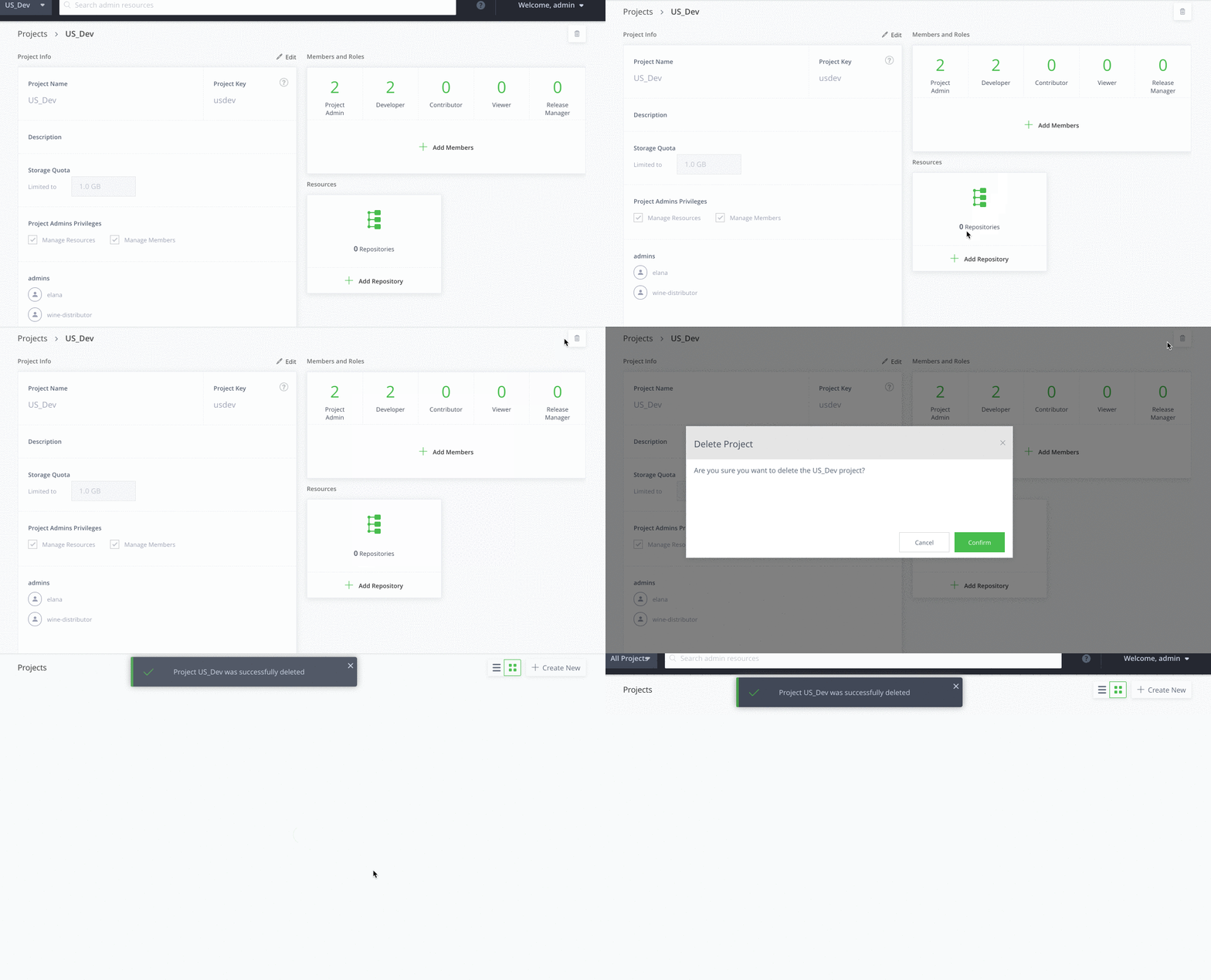
- Delete the project from the JFrog Platform UI.
Related Topics
Updated 3 months ago
Did this page help you?