
View Projects in a Dashboard View
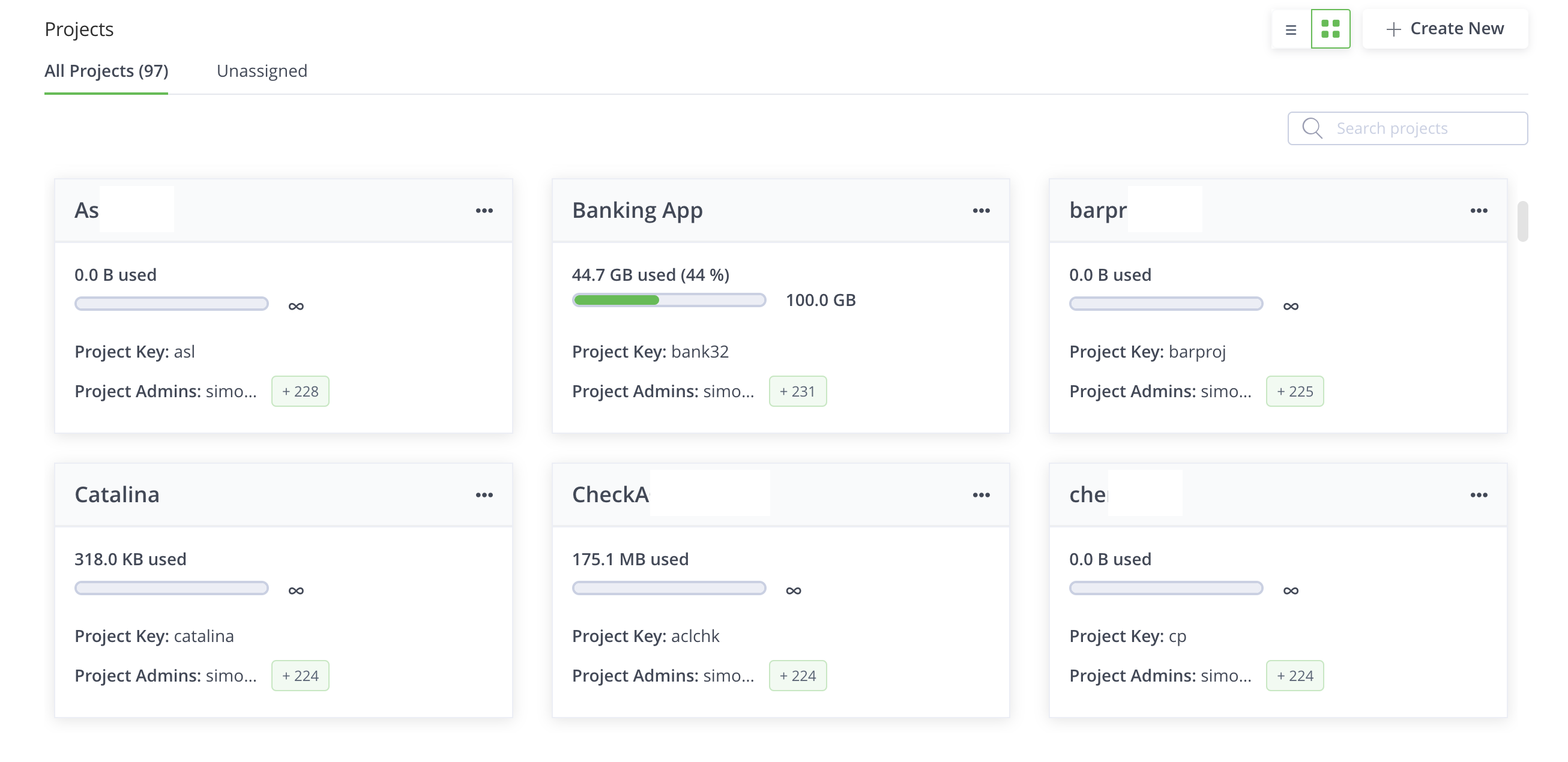
View all JFrog Platform Projects in the Projects Dashboard to monitor Project Admins, storage quota status, and quota alerts at a glance.
Platform Admins can view all of the projects in the JFrog Projects Dashboard by selecting All Projects from the taskbar.
Projects Dashboard Overview
The dashboard provides a project summary for each JFrog Project, listing the Project Admins assigned to the project and the project storage quota status. In addition, the dashboard displays quota status alerts, which indicate the status of the project.
To browse projects in list view or switch between views, see View Projects in the JFrog Platform.
Related Topics
Updated 3 months ago
Did this page help you?