

Remove a Project Member
Remove a user from a JFrog Platform Project by clearing the member's role assignment in the UI or with the Projects API.
Remove a project member from a JFrog Project by removing the project's role assignment for that member. This automatically removes the member from the project.
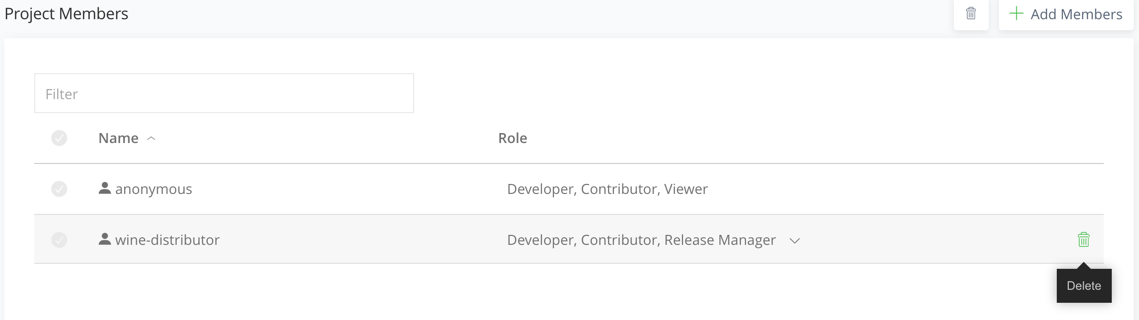
You can also remove a project member with the Projects API. See Delete Existing Project's User.
DELETE <BASE_URL>/access/api/v1/projects/<PROJECT_KEY>/users/<USER>Where:
<BASE_URL>: Your JFrog Platform base URL for the Access API<PROJECT_KEY>: The unique project key<USER>: The username to remove from the project
For example:
DELETE https://company.jfrog.io/access/api/v1/projects/mobile-app/users/jdoeRelated Topics
Updated 3 months ago
Did this page help you?