
View Projects in the JFrog Platform
Use the Project List drop-down and Administration views to browse, filter, and manage JFrog Platform Projects in the UI.
Use the Project List drop-down in the Menu Bar to define the scope of information displayed for JFrog Platform Projects in the main pane.
Project List Filtering
- Select a specific project defined in your JPD. The Main pane shows information for that project. (In some pages, information for the entire JPD is displayed in addition to project information.)
- Select All Projects. The Main pane shows information for all the projects defined in the JPD.
Administration Overview Tabs
For example, in the Administration module, the first tab in the menu bar shows project information based on the value of the Project List drop-down:
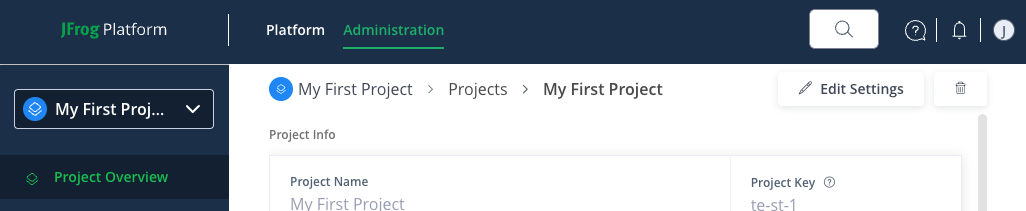
When one project is selected:
-
The tab is named Project Overview and shows details of the selected project.
-
At the top right of the main pane, controls let you edit or delete the project.
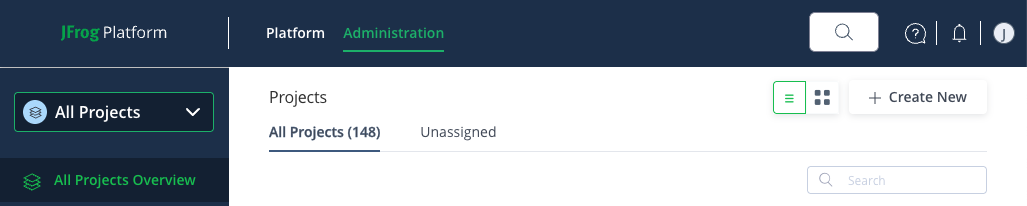
When All Projects is selected:
-
The tab is named All Projects Overview and shows all projects defined in the JPD.
-
At the top right of the main pane, controls let you toggle between list and dashboard views, search for a project, or create a new project.
Related Topics
Updated 3 months ago