

JFrog Platform
All Frogbot scan results are uploaded to the JFrog Platform and are available under Xray Scans List. This provides a centralized view of security findings across all your Git repositories.
Viewing Results
- Navigate to Application > Xray > Scans List.
- Select the Git Repositories tab.
- Select a repository to view its scan history.
The results are organized into two sub-tabs:
- Commits
- Pull Requests
For Frogbot V3 and static SCA scans, both tables include a Workspace column and filter. For more information, see Manage Frogbot Workspaces.
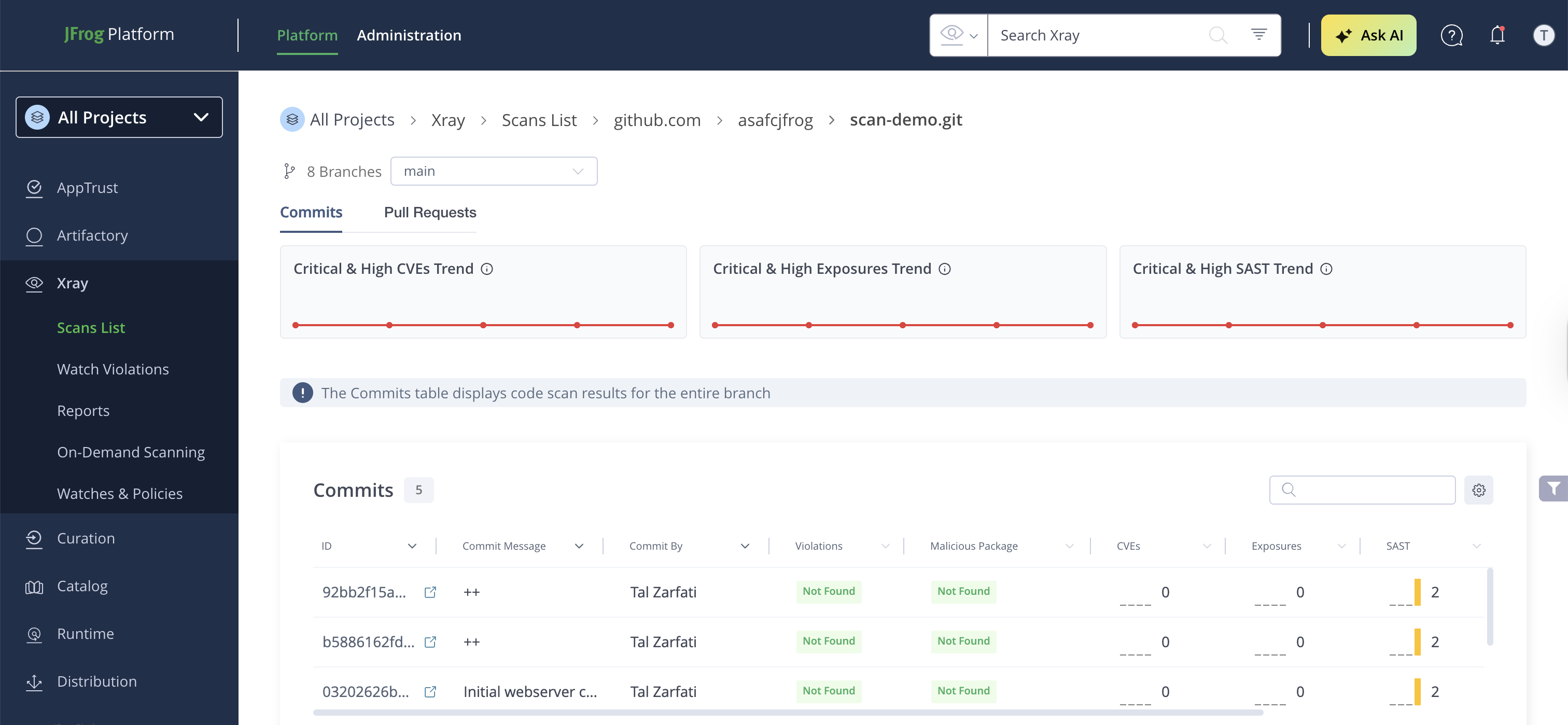
Displays results from commit scans (repository scans).
Each entry shows:
- The scanned commit and branch
- The Workspace that produced the scan, for Frogbot V3 and static SCA results. You can filter the table by workspace.
- Vulnerability counts by severity: Critical, High, Medium, Low
- Exposure findings: Secrets, IaC, SAST
- Scan timestamp
Click on a specific commit to see the full scan details, including:
- Security Issues — individual CVEs with severity, CVSS scores, affected components, and fix versions
- SBOM — component inventory with license information
- Policy Violations — violations triggered by Xray Watches and Policies
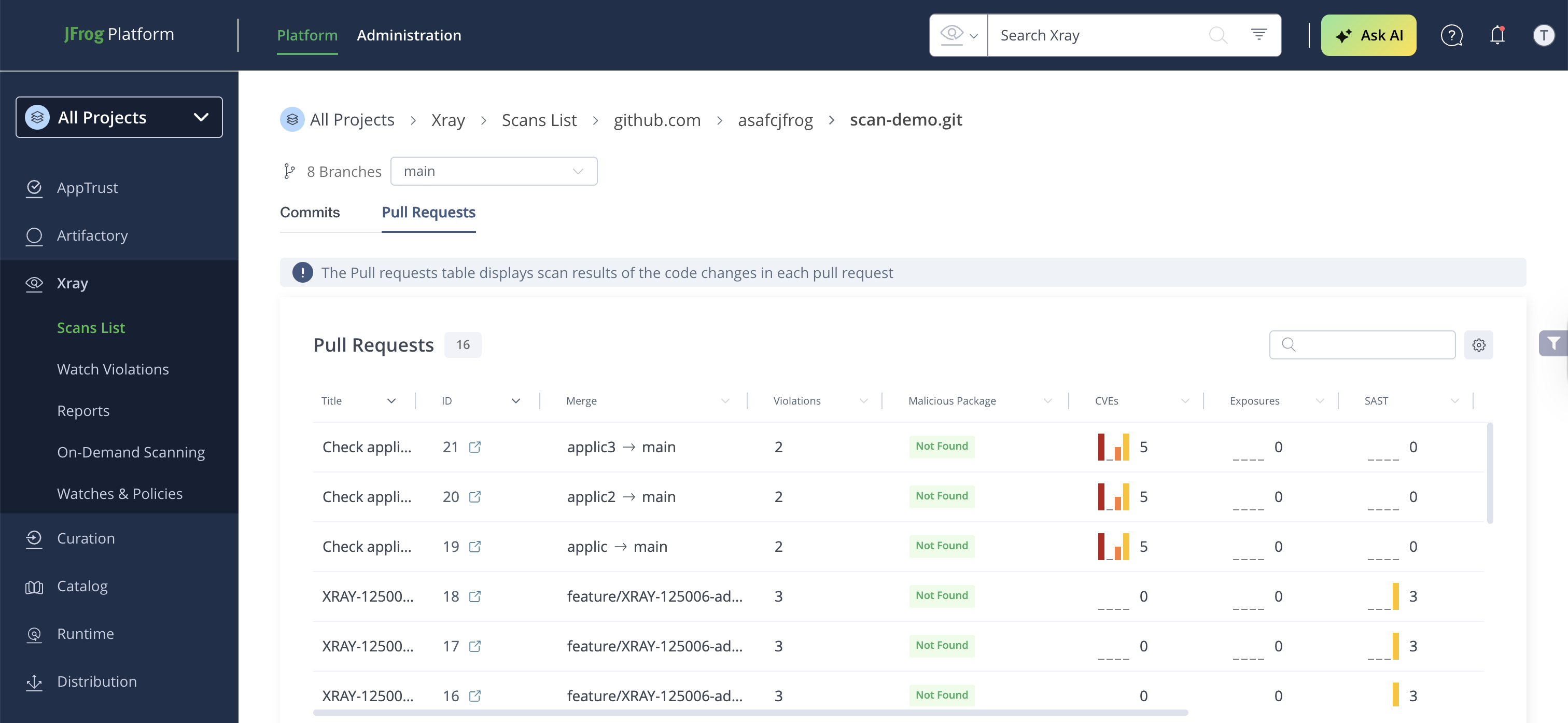
Displays results from PR scans.
Each entry shows:
- The PR number and source/target branches
- The Workspace that produced the scan, for Frogbot V3 and static SCA results. You can filter the table by workspace.
- New issues introduced by the PR
- Scan timestamp
Scan Summary Dashboard
The scan summary provides:
- Total vulnerabilities by severity: Critical, High, Medium, Low
- Policy violations by type: Security, License, Operational
- SBOM details: package types, licenses
- Validated Runtime Risks (when JFrog Runtime is installed): Detected CVEs, Critical & Applicable CVEs, Malicious Packages, Integrity Violations
Export Scan Data
To export policy violations (including ignored violations), SBOMs in CycloneDX format, and other scan data, see Export Scan Results.
Applying Policies with Watches
To enforce security policies on Frogbot scan results:
- Create a Security Policy in Xray > Watches & Policies with the desired rules
(e.g., block on Critical vulnerabilities, fail on malicious packages). - Create a Watch that targets your Git repositories.
Centralized Configuration from the Platform
Configuration changes apply to subsequent Frogbot scans automatically.
- Go to Administration > Xray Settings > Indexed Resources > Git Repositories.
The table shows all connected git servers, folders, and repositories with their configuration status (Default, Custom, or Inherited). - Click on any entry to open the Frogbot Configuration drawer with three tabs:
- Scans Configuration — enable/disable scanners, set exclusion paths
- Auto-PR — enable Auto-PR, group fixes, customize templates
- PR Decorations — show all findings, skip empty comments
Updated about 2 months ago