

Part 6: Apply Scoped and Project-Level Policies
This part of the workshop focuses on applying scoped and project-level policies to introduce more granular controls where stricter security requirements are needed.
Goal: Customize Policies for Specific Development Projects Certain projects may have stricter security or legal requirements than those outlined in the general company policies. In these cases, narrow scope policies are essential to address unique needs, such as prohibitions against specific licenses or heightened security protocols.
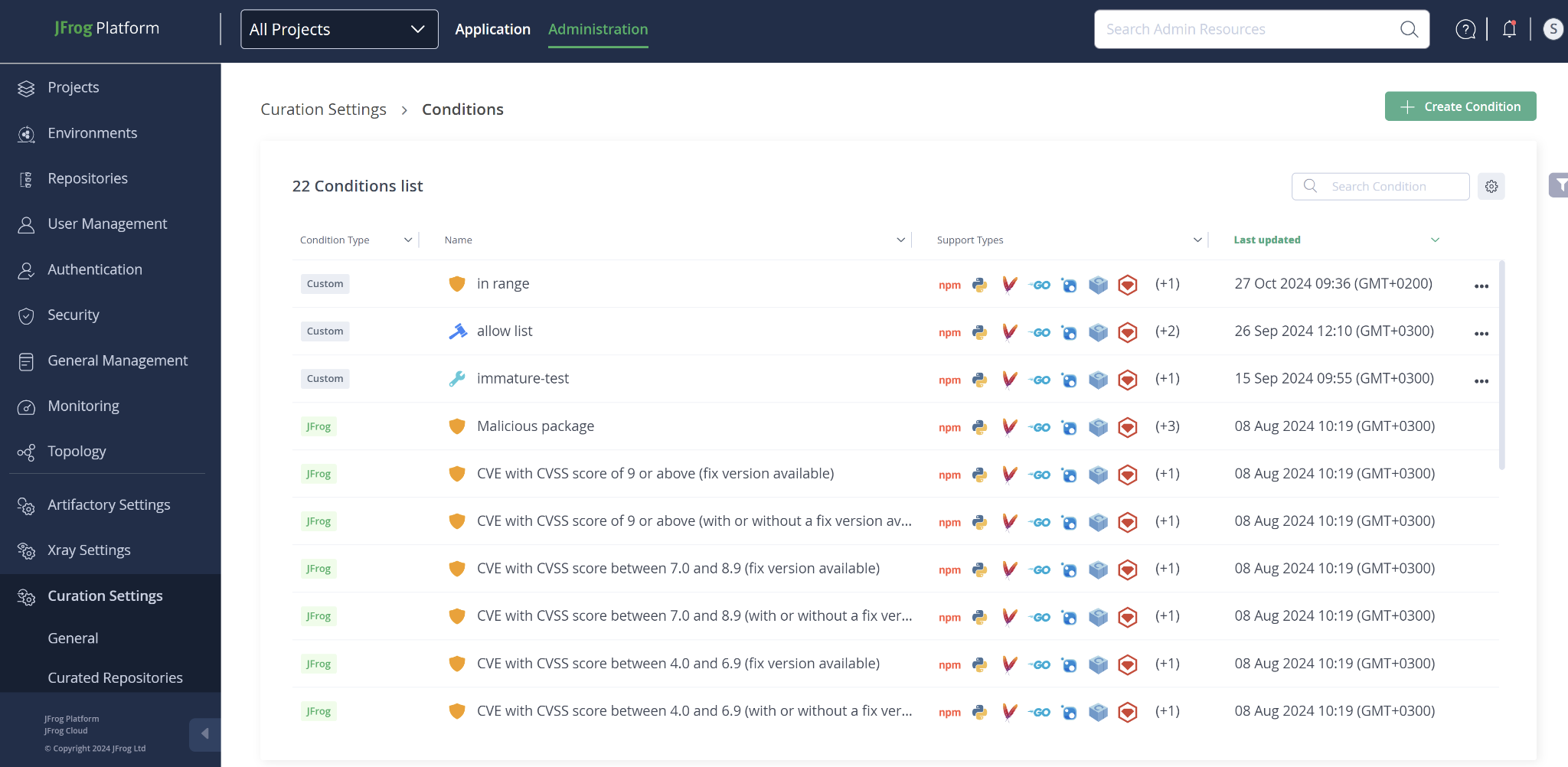
Create custom conditions: Curation offers multiple predefined conditions, but when greater customization is necessary, you can create a Custom Condition for more precise tuning of narrow scope policies. To create new custom conditions: Click the green button located at the top right corner of the Administration > Conditions page.
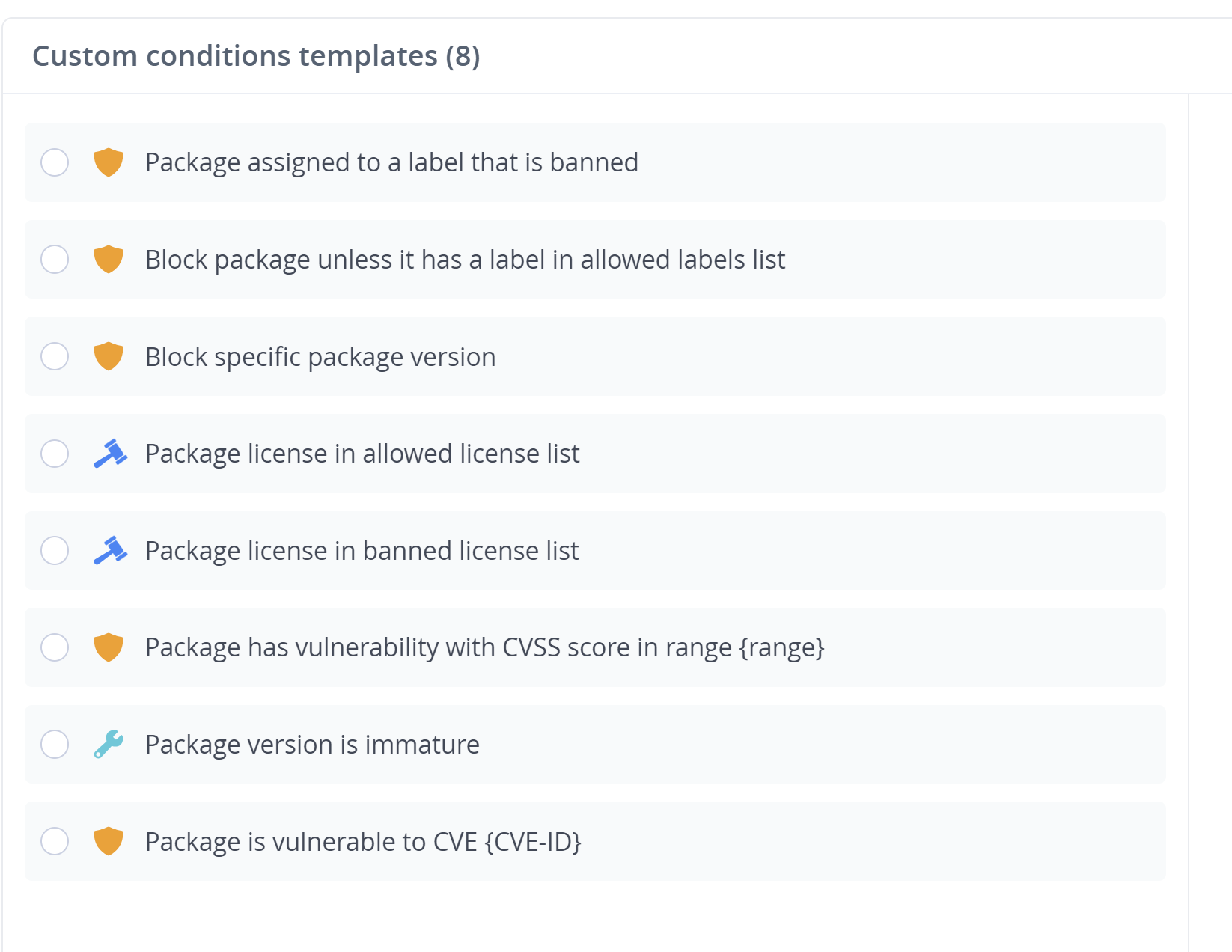
There are multiple custom templates to select from for your needs:
Once the condition is created, it will be labeled as “Custom” and can be included in new policies assigned to one or more repositories that must comply with this condition.
When to move on
Once scoped policies are in place and behaving as expected, you can focus on operating and monitoring Curation as part of daily security operations.
Proceed to Part 7: Operate and Monitor Curation
Updated 3 months ago