

View Webhooks for All Projects
-
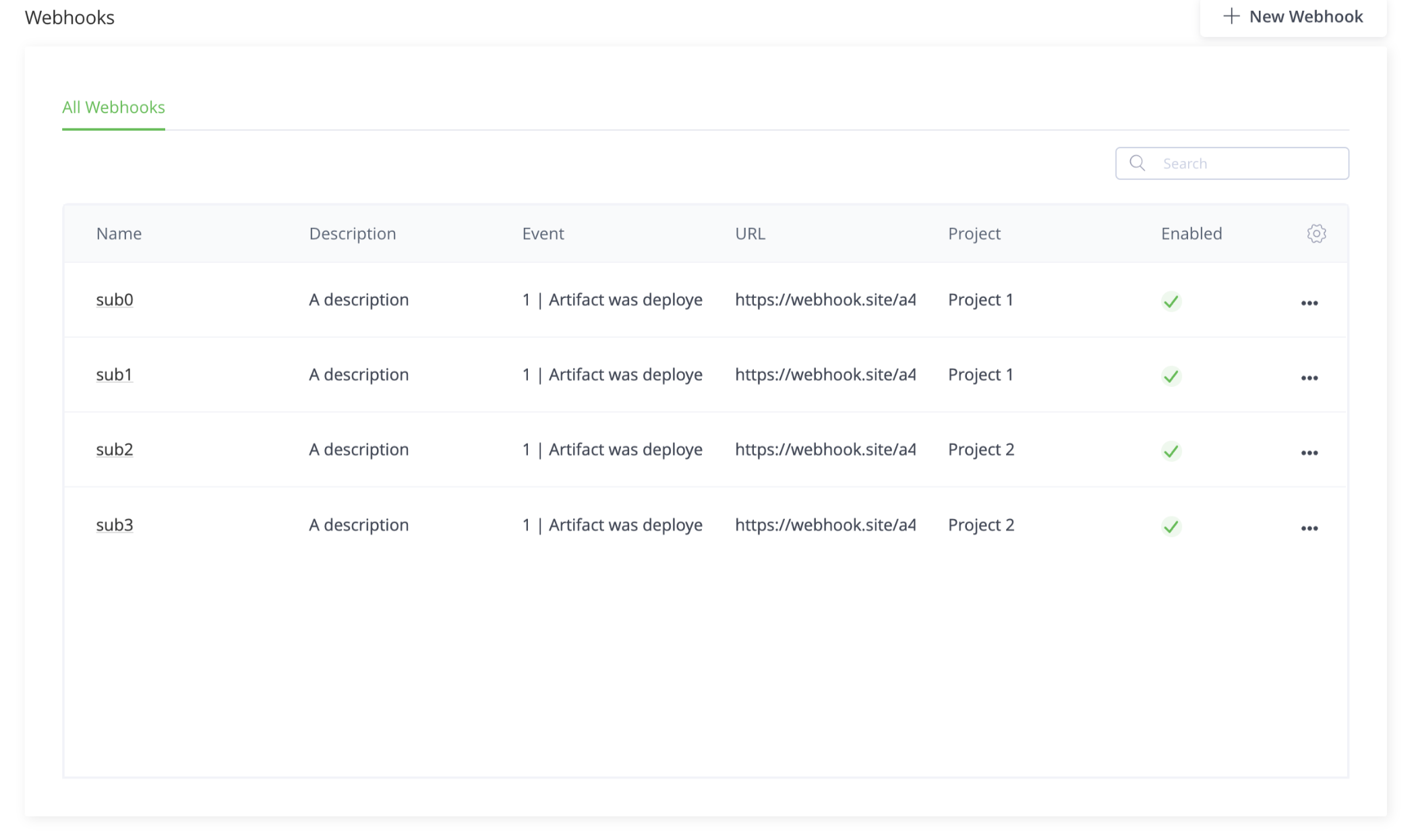
To see webhooks in all projects, from the Projects list in the taskbar, select All Projects.
-
Select the Platform module, then select Integrations > Webhooks.
The Projects page serves as the main dashboard view for all of the projects and lists the relevant projects in the Project column.
Updated 6 months ago
Did this page help you?