

GitHub Actions: Artifact View
Note: Available for EnterpriseX and Enterprise+
Value
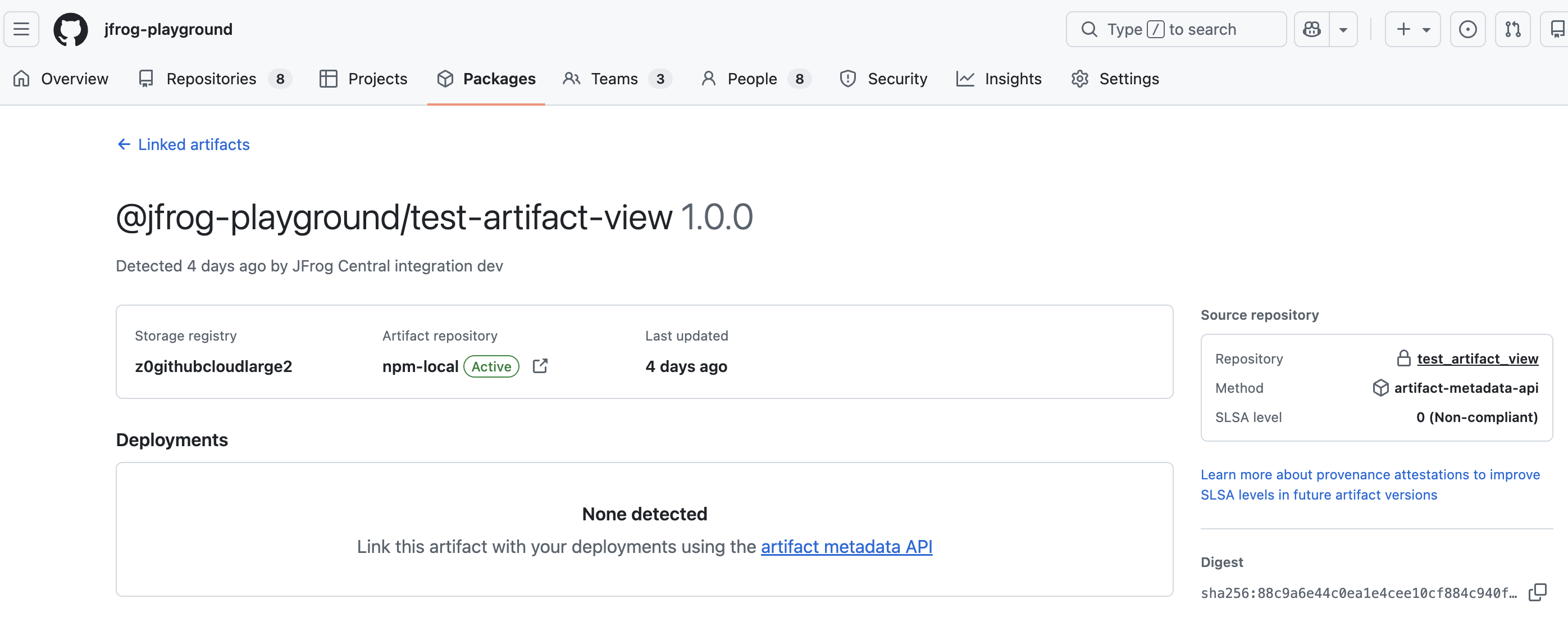
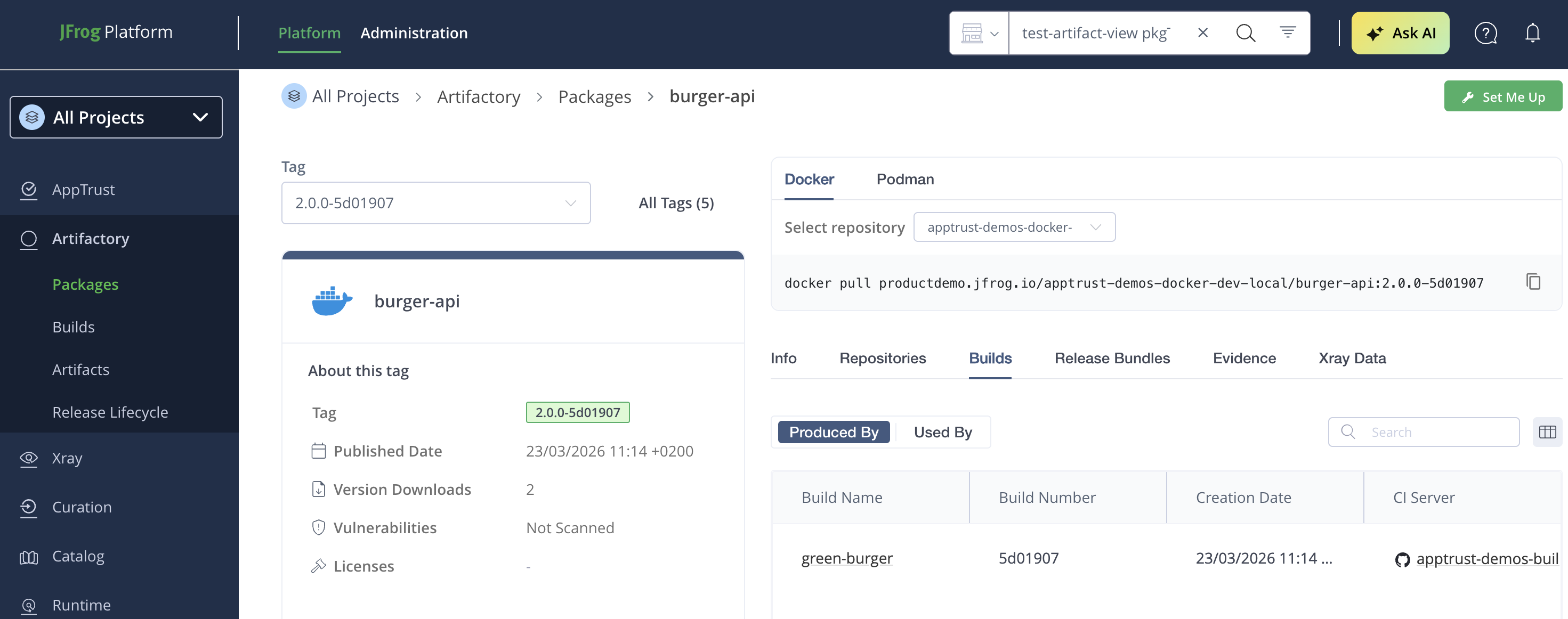
The JFrog Integration with GitHub Artifact View allows developers to view a summary of packages stored in JFrog Artifactory on the GitHub platform and have easy access to the Detailed Package View on the JFrog side. From the Detailed Package View on Jfrog, the developer can easily go back to the GitHub side CI view.
Key Benefits
Quick bidirectional view between the GitHub platform and JFrog Detailed Package View.
How It Works
-
Install the GH JFrog App.
-
Enable the Artifact view integration on the JFrog side.
-
Within GitHub Actions, set up the JFrog CLI (Use JFrog CLI version 2.66.0 or above)
name: Setup JFrog CLI uses: jfrog/setup-jfrog-cli@v4 env: JF_URL: https://${{ vars.JF_URL }}/ JF_PROJECT: ${{ vars.JF_PROJECT }} with: oidc-provider-name: <OIDC integration name set on JFrog platform> -
Optional: Attest the image on the GitHub side. Use a fully qualified image name for
subject-name. Do not add anoci://prefix, and do not include an image tag.- name: Generate Attestation uses: actions/attest-build-provenance@v3 with: subject-name: yourorg.jfrog.io/${{ env.DOCKER_REPO }}/${{ env.IMAGE_NAME }} subject-digest: ${{ steps.build-and-push.outputs.digest }} -
Use jf_(package specific upload command)
-
Call jf build and publish.
-
Go to the GH Artifact view to see the JFrog Package details:
-
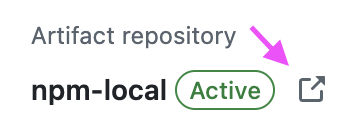
Click on the link to see the package's detailed view on the JFrog platform.
-
Click on CI from JFrog's detailed package view to go back to the GitHub CI:
Updated 23 days ago