

Delete a Custom Environment
A custom environment cannot be deleted if any roles or repositories are assigned to it. First, remove the environment from the role or repository, and then delete the environment.
Note
The predefined DEV and PROD global environments cannot be deleted.
-
In the Administration tab, go to Environments.
-
Select All or a specific project from the dropdown list.
-
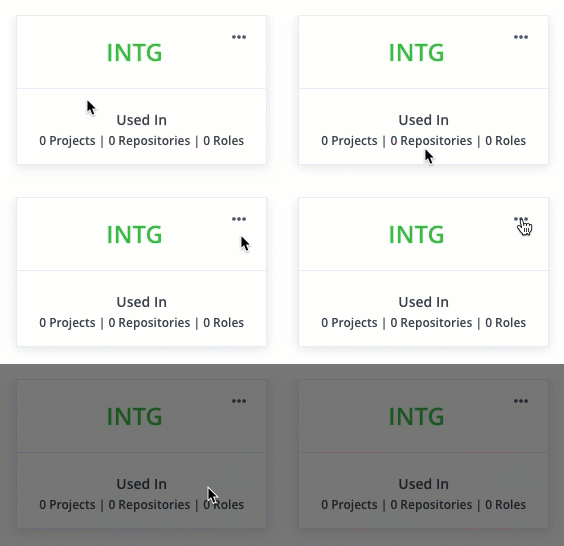
Find the environment and verify that no roles or repositories are assigned to it.

-
Click the action menu and select Delete.
Delete a Custom Environment using REST APIs
To delete a custom global or project environment using REST APIs, refer to the following topics:
Updated 3 months ago
Did this page help you?