

Feature Set Alerts
Feature set alerts help you track and maintain the status of batch feature sets.
Currently, only alerts for batch feature set failures are supported. These alerts notify you when a batch feature set ingestion fails, enabling you to take immediate action.
Monitoring Integrations
Before setting up alerts, please make sure that the relevant integrations and channels are configured. For more information, please see the Alert Integrations guide.
Create Feature Set Alerts
-
In the JFrog platform, navigate to AI/ML > Feature Sets.
-
Select a Feature Set.
-
Select the Alerts tab.
-
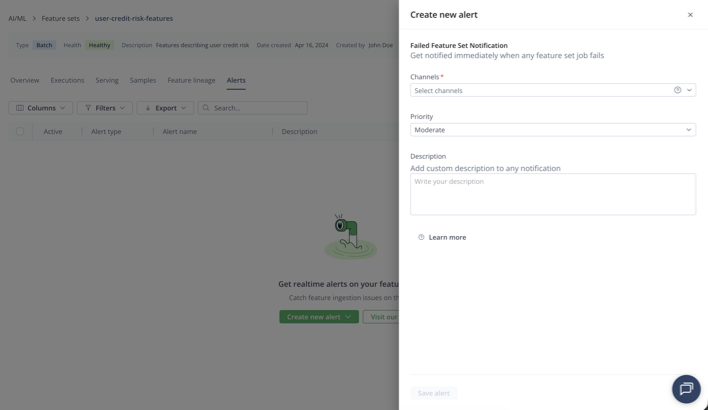
Click Create new alert.
-
Select Failure to be notified of failed feature set ingestions.
-
Choose the relevant alert channels to receive notifications. (If no channels appear, go to JFrog ML Alerts to add them.)
-
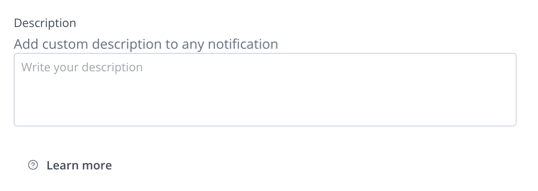
Optional: Add a description for the alert, which will be included in the notification body.
-
Save the alert.
Important - General Constraints
- Alerts must be connected to at least one channel.
- Alert channels can't be deleted if an alert is connected to them.
Tags and Priority
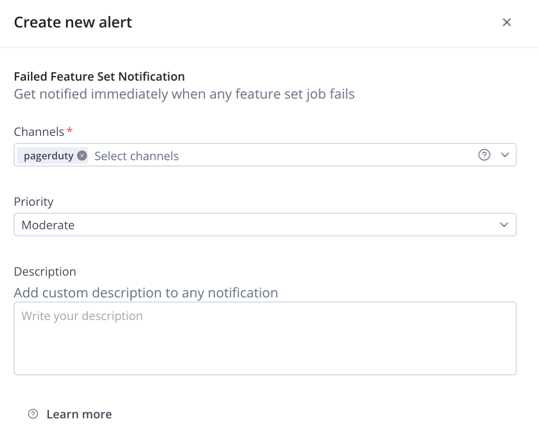
Priority
You can assign an alert priority to your channel. Each priority level will be mapped appropriately to the corresponding integration.
| JFrog ML | Opsgenie | Pagerduty | Slack |
|---|---|---|---|
| Critical | P1 | critical | Critical |
| High | P2 | error | High |
| Moderate | P3 | warning | Moderate |
| Low | P4 | info | Low |
| Info | P5 | info | Info |
Tags
You can define up to 20 text tags for your Opsgenie alerts, with each tag having a maximum length of 50 characters.
Important
Can only be used for the Opsgenie integration.
Updated 6 months ago