

Delete an Application Version in the Platform UI
Deleting an application version removes the version from the JFrog platform. All evidence related to the application is deleted as well.
To delete an application version in the platform UI:
-
In the Platform module, select AppTrust > Applications.
-
In the Applications table, click the name of the relevant application.
-
In the sidebar, click Lifecycle.
-
Click the Versions tab.
-
In the Versions table, click the name of the relevant version. The Version Timeline tab is displayed by default.
-
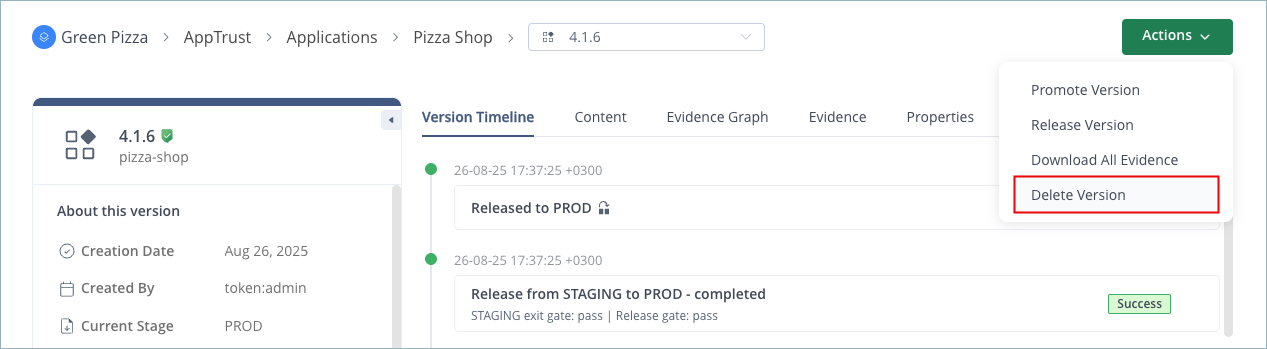
From the Actions menu, select Delete Version.
-
In the confirmation window, click Delete.