

Delete an Application
Delete an application in JFrog AppTrust.
In JFrog AppTrust, you can delete an application that you no longer need.
You can also delete an application using the AppTrust API or the AppTrust CLI.
To delete an AppTrust application in JFrog Platform:
-
In the JFrog Platform, choose AppTrust > Applications.
-
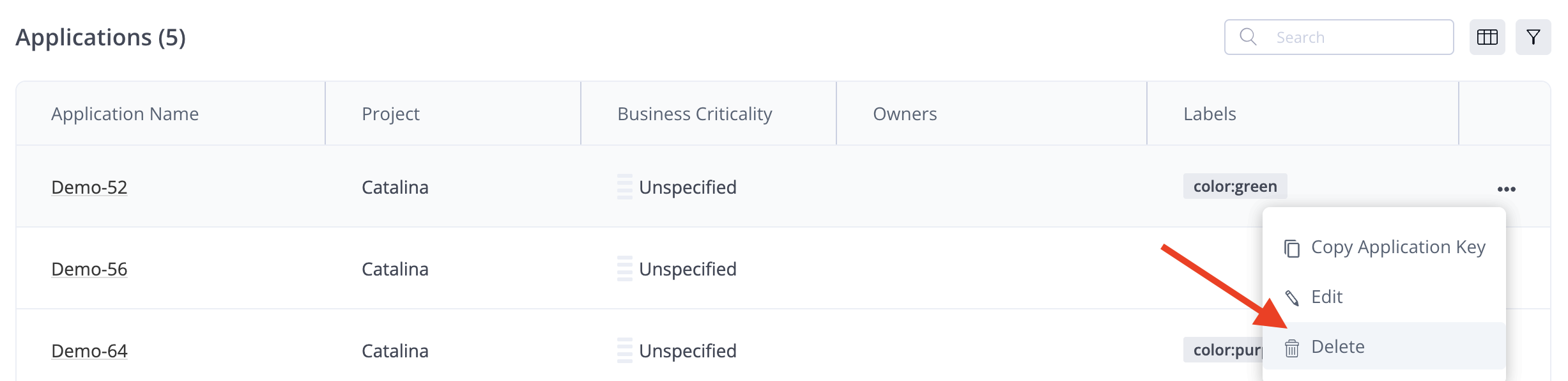
In the Applications table, locate your application and choose Delete in the actions menu.
- In the confirmation window, click Delete.
Updated 5 months ago
What’s Next
Learn how to bind packages to an application.
Did this page help you?