

View the Application Activity Log
The Application Activity Log keeps a record of every activity performed on the selected application.
To view the application-level activity log:
- In the JFrog Platform, go to AppTrust > Applications.
- Choose an application, and in the application sidebar, choose Activity Log. The application-level activity log appears.
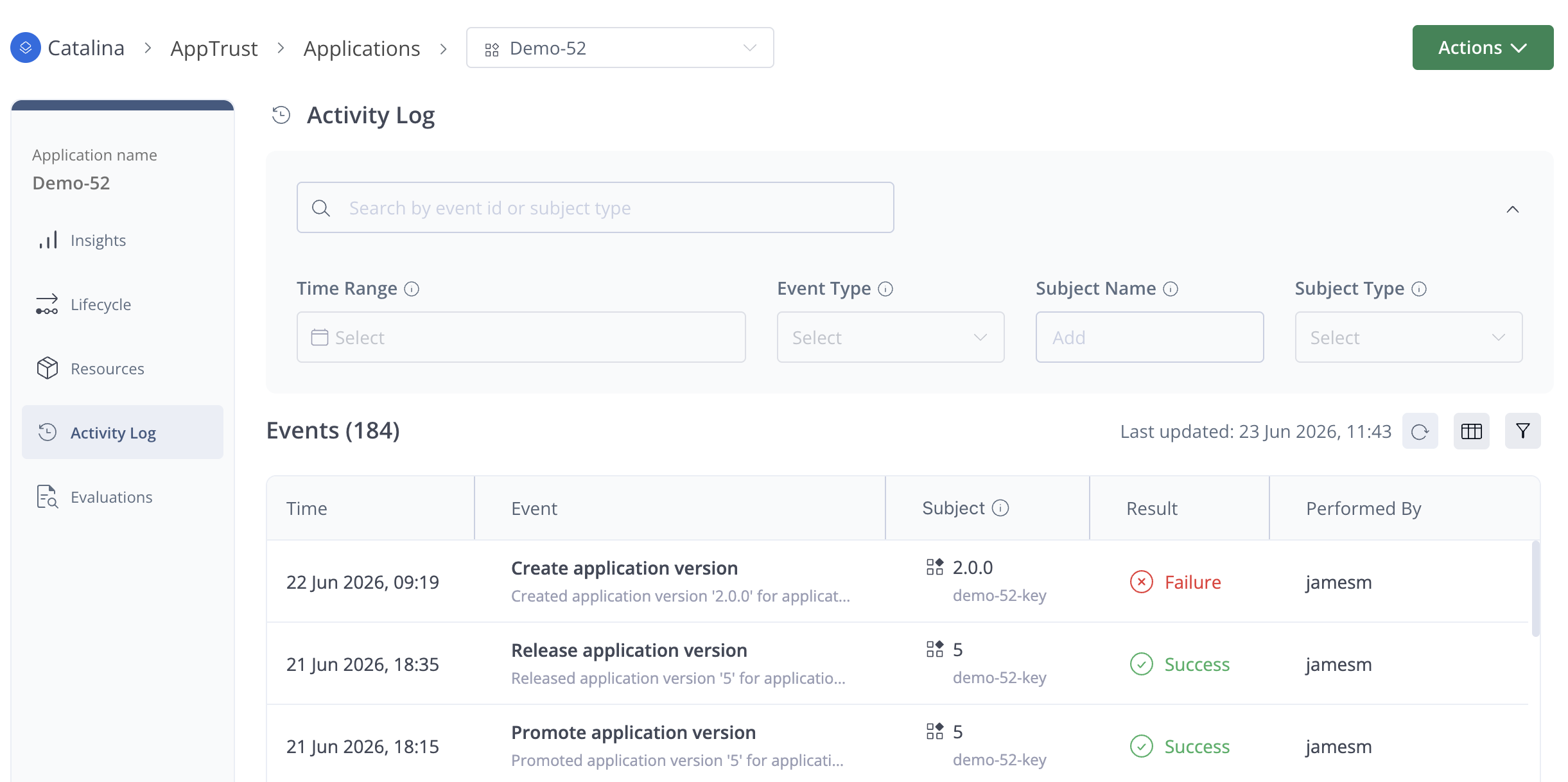
The application-level Events table includes the same information as the general Events table, except that it is already filtered for the project and application that you are in. Accordingly, filters and columns that are not relevant, such as Application and Project, do not appear. For more information about using the table, searching, and filtering, see Activity Log.
Updated 3 months ago
Did this page help you?