

View Application Resources
View the resources included in a JFrog AppTrust application.
In the Resources page, you can view the resources (packages) that are included in an application. You can also drill down to view individual versions of the resources.
To view application resources:
- In the JFrog Platform, choose AppTrust > Applications > Resources. The Packages table appears, displaying the packages included in the application.
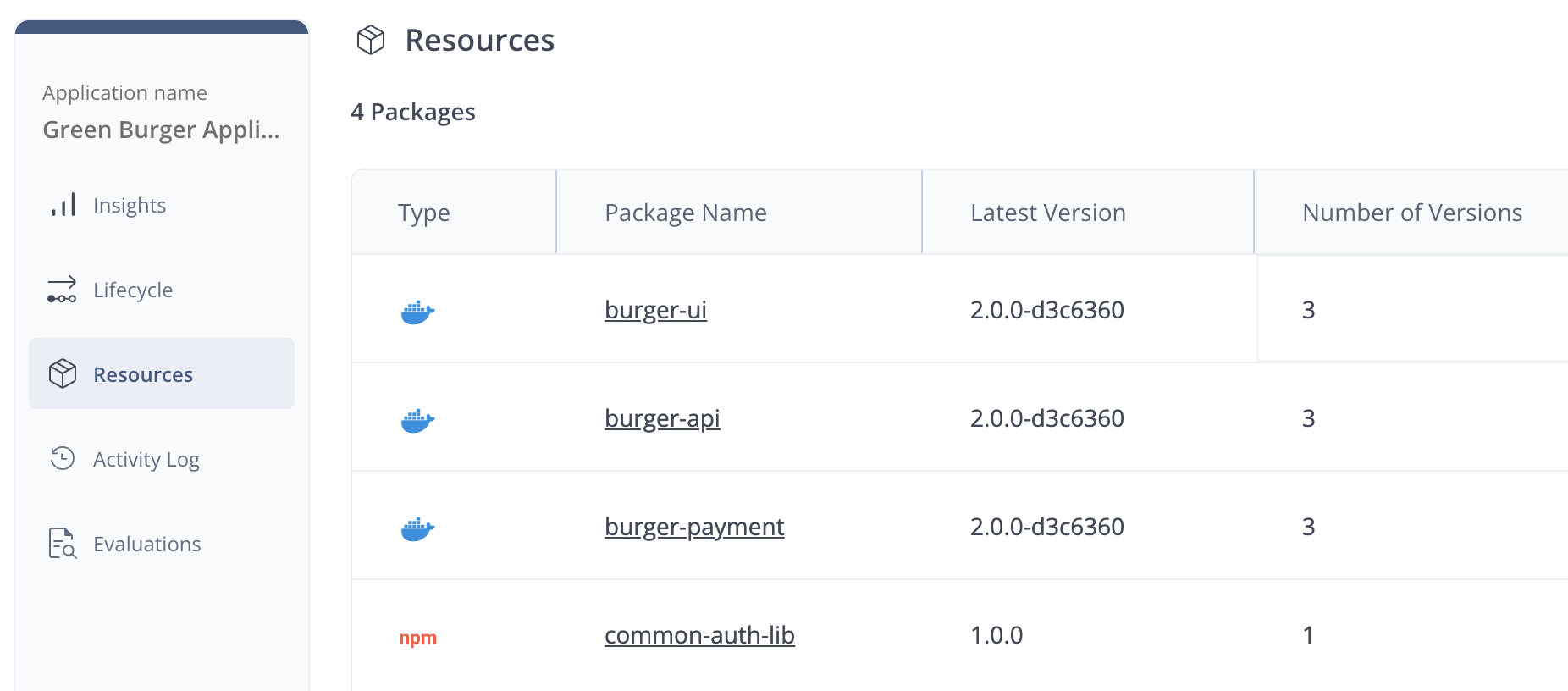
The Packages table includes the following information:
- Type: An icon indicating the type, such as Docker, NPM, Maven, etc.
- Package Name: You can click the package name to see information about individual versions of the package.
- Latest Version
- Number of Versions
Versions Table
The Versions table includes the commit information (for example, from GitHub) that triggered package creation for each version, including:
- Version: Click the version to see detailed package information.
- VCS URL: The web address of the Version Control System repository where the committed code is located.
- Branch: The relevant branch where the committed code is located.
- Revision: The specific commit containing the relevant code.
For each version listed, you also have the option to unbind it from the application.
Updated 3 months ago
Did this page help you?