

Draft Application Version
You can create AppTrust application versions in a Draft state, allowing you to build up version contents incrementally before finalizing. A draft version is mutable — you can add or remove builds, packages, and artifacts — giving you flexibility to assemble a version iteratively as your CI/CD pipeline progresses or as release decisions evolve.
Because a draft version is unlocked, no security scans are triggered, and its contents are not yet signed or immutable.
A draft version is always in the Unassigned stage in the lifecycle. When a draft version is ready, you can promote it to a target stage. AppTrust automatically finalizes the version as part of promotion. It locks the version, signs it, and evaluates applicable policies before completing the promotion. This finalization ensures that only immutable, policy-compliant versions advance to the target stage, without requiring you to manually lock and sign the version.
You can do the following with an application draft version:
- Create a draft application version: Initialize a version in a mutable state before all artifacts are finalized. (Create Application Version API and CLI)
- Add contents to draft: Add builds, packages, or artifacts to the version incrementally. This is blocked once the version is locked. (Update Application Version API and CLI)
- Promote a draft version: AppTrust automatically locks, signs, and evaluates policies upon first promotion to a target stage. (UI, Promote Application Version API and CLI)
To create a draft application version:
AppTrust REST API
- Configure the Create Application Version request.
- Under CreateAppVersionRequest in the request body, set the
draftattribute totrue.
AppTrust CLI
Add --draft to the version-create command.
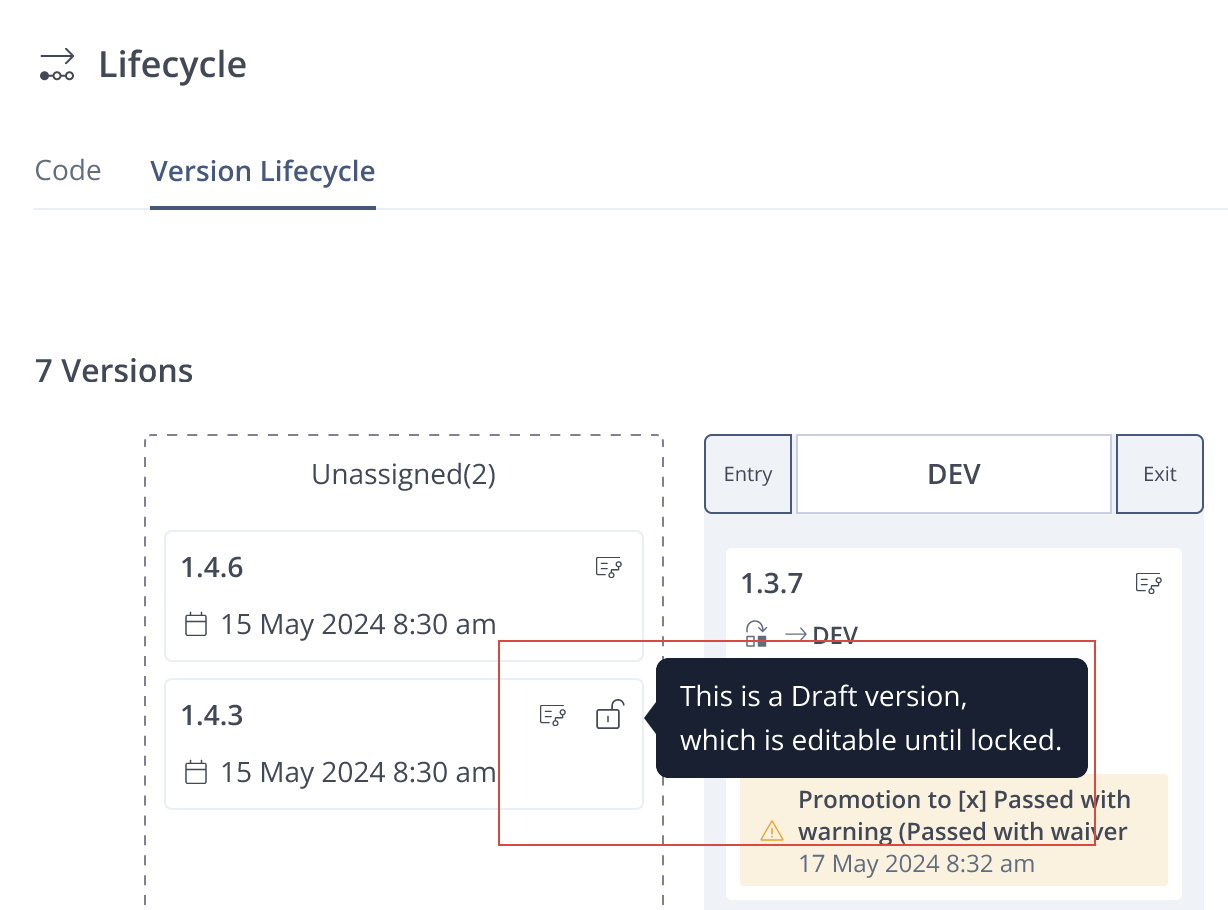
Draft versions are identified in the UI by a Draft status icon, shown on the version in the lifecycle view, the version list, and version details pages.
To rename an application version or add contents:
AppTrust REST API
- Configure the Update Application Version API request.
- Set the query parameters as follows:
async=falsefailFast=truedryRun=false
- In the body, use the following attributes:
- AddSources: This attribute is like sources in the Create request. Use this to identify the sources of content to add.
- Filters: This attribute is like filters in the Create request. You can use the filters to precisely include or exclude artifacts and packages.
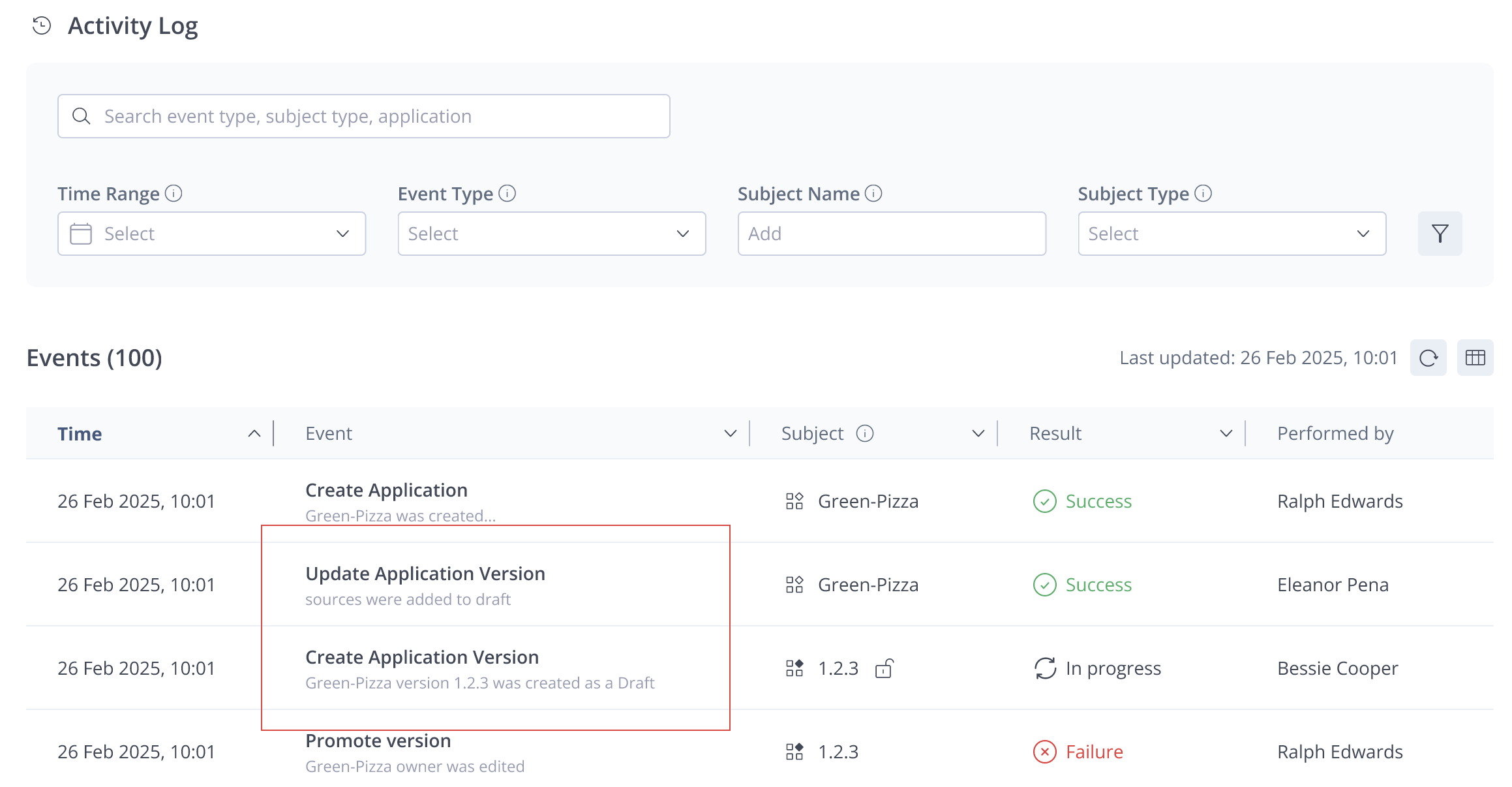
The version timeline displays all modifications made during the draft phase — including content additions — as audit events.
AppTrust CLI
Use the command version-update-sources along with the sources and optional filters. For more information, see Update Application Version CLI in the AppTrust CLI.
To promote a draft application version:
The procedure for promoting a draft version is the same as promoting a regular application version:
When you promote a draft version, the UI displays a processing state indicating that the version is being finalized and policies are being evaluated.
Updated 6 months ago