

Complete a Change Request
Once you have completed all the steps of the ServiceNow Integration setup and configuration process, you are ready to use JFrog AppTrust to manage the SDLC integrated with the ServiceNow change request process.
This page illustrates an example procedure for completing the change request process. The stages in the lifecycle are simplified for illustrative purposes. The lifecycle you use may have many more stages, but the procedure for completing the change request process will be the same.
Prerequisites
- The Synchronize Applications procedure has been completed successfully.
- You have created an application version and have assigned it to at least the first stage in the lifecycle.
To complete a change request:
This procedure begins when the application version is in the lifecycle stage just before the stage to which a successful promotion will trigger ServiceNow change request.
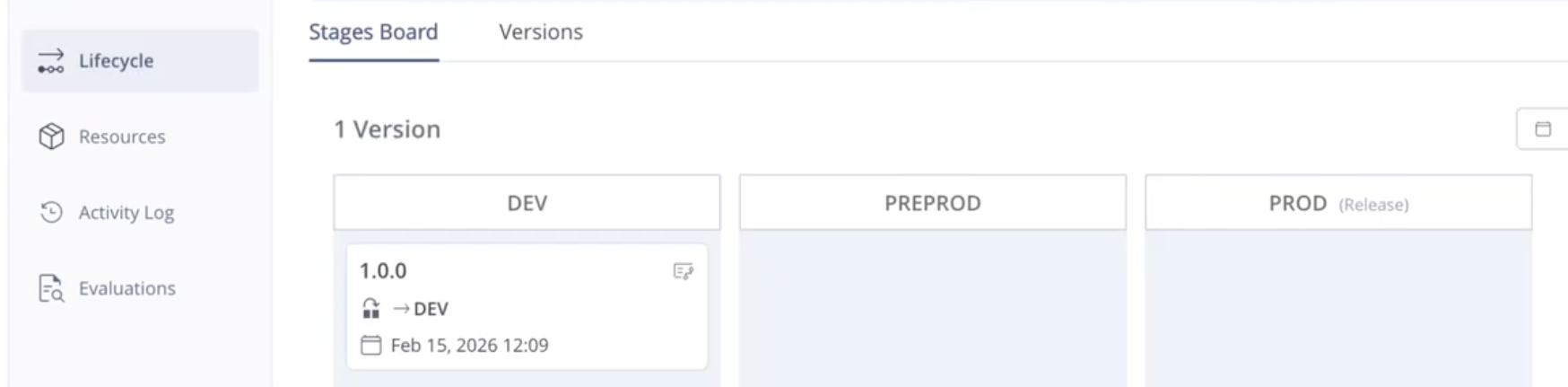
Step 1. Promote to the Trigger Stage
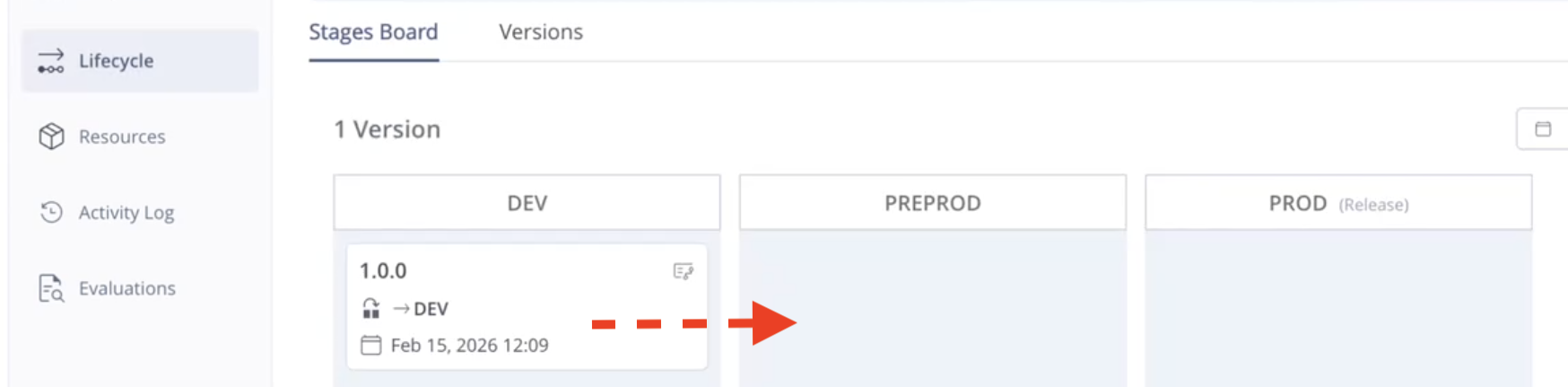
In the Stages board, drag the application version and drop it in the stage that is configured to trigger a change request (or promote the version using the API or the CLI).
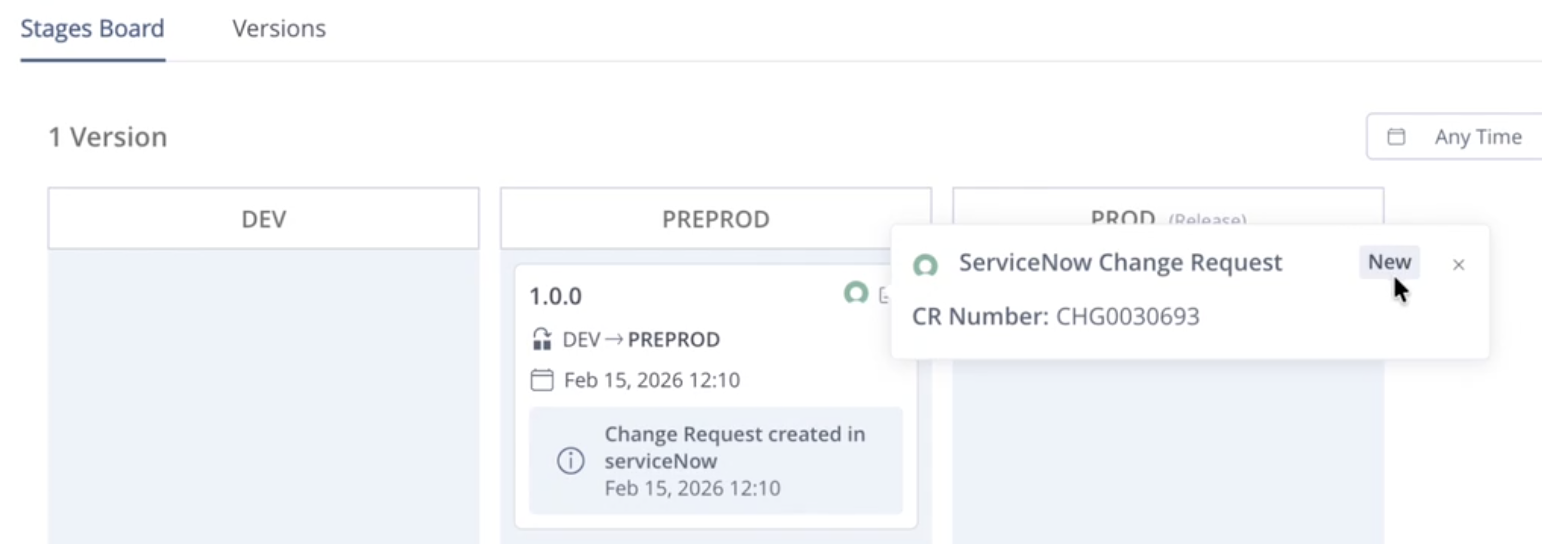
When the change request has been created successfully, this will be indicated in the version with the creation date. To see the CR Number, click the ServiceNow icon on the version card.
Step 2. Check the Status
To check the status, click the version in the Stages Board. In the Version Timeline, you can see that the change request has been created in ServiceNow and an indication of the status, such as In Progress.
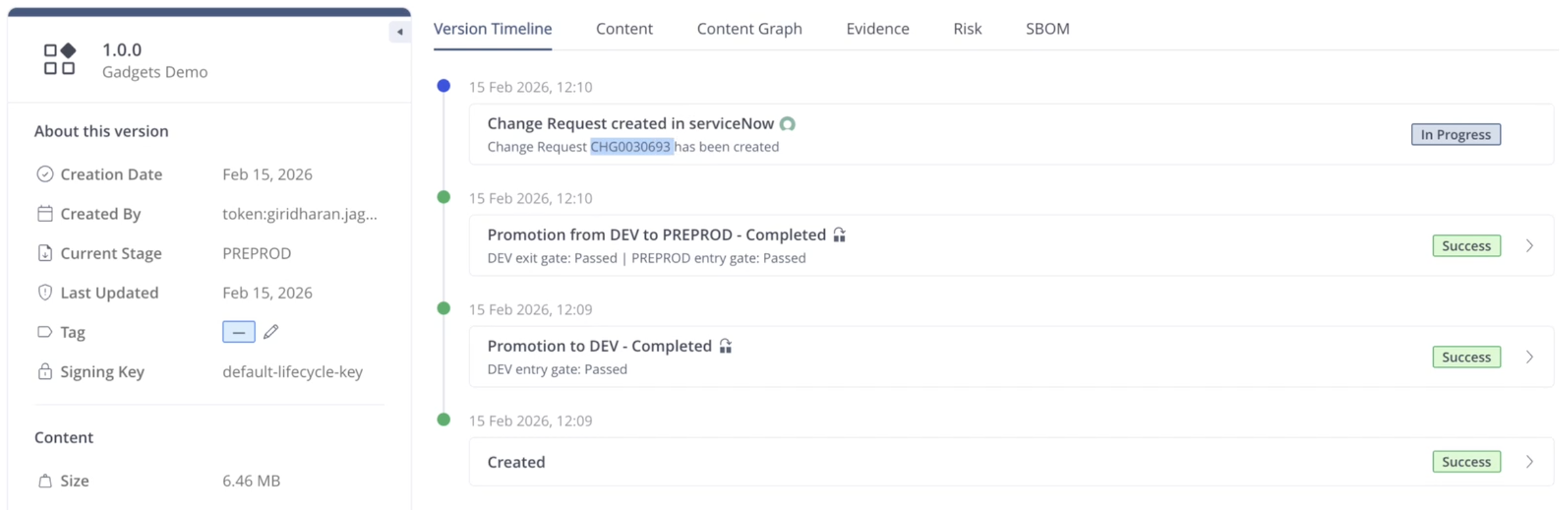
In ServiceNow, a ServiceNow user must approve the change request. The change request can be located in ServiceNow using the Change Request Number, shown above in AppTrust.
If the Project Configuration was set to Auto-release on Approval, the version will move to Production. Click the ServiceNow icon on the version card to see more information about the approval.

Step 3. View the Evidence
To see that an evidence file exists for the auto-release of the application version, click the version and click Evidence in the Version Details table. The ServiceNow approval appears in the listing of Evidence Files.
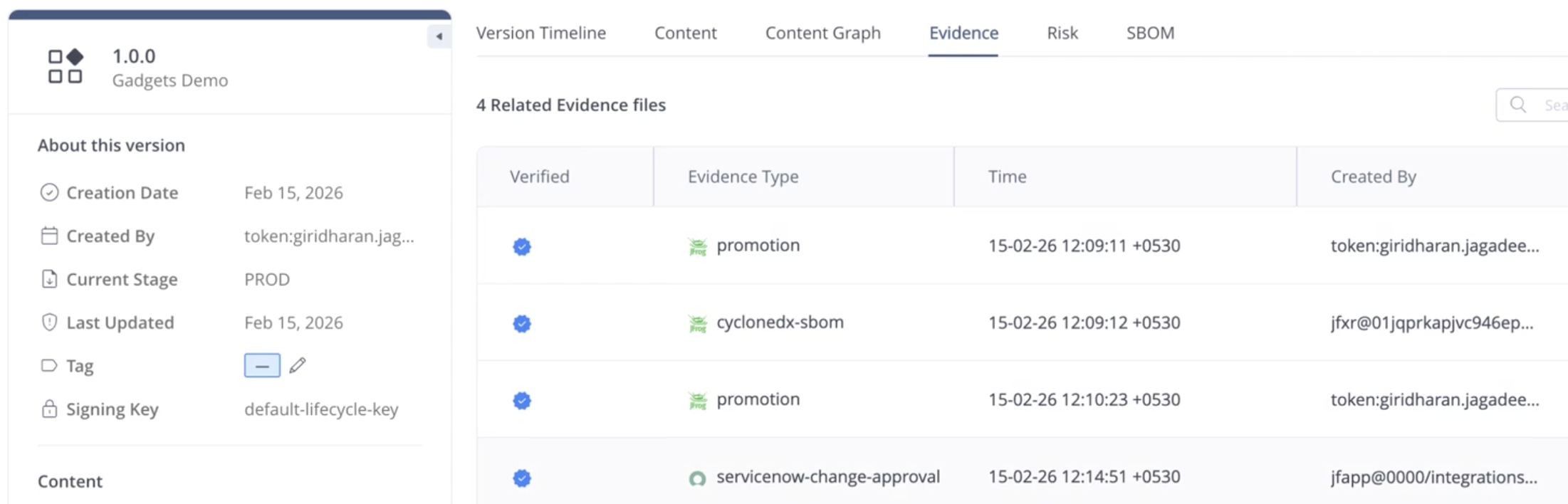
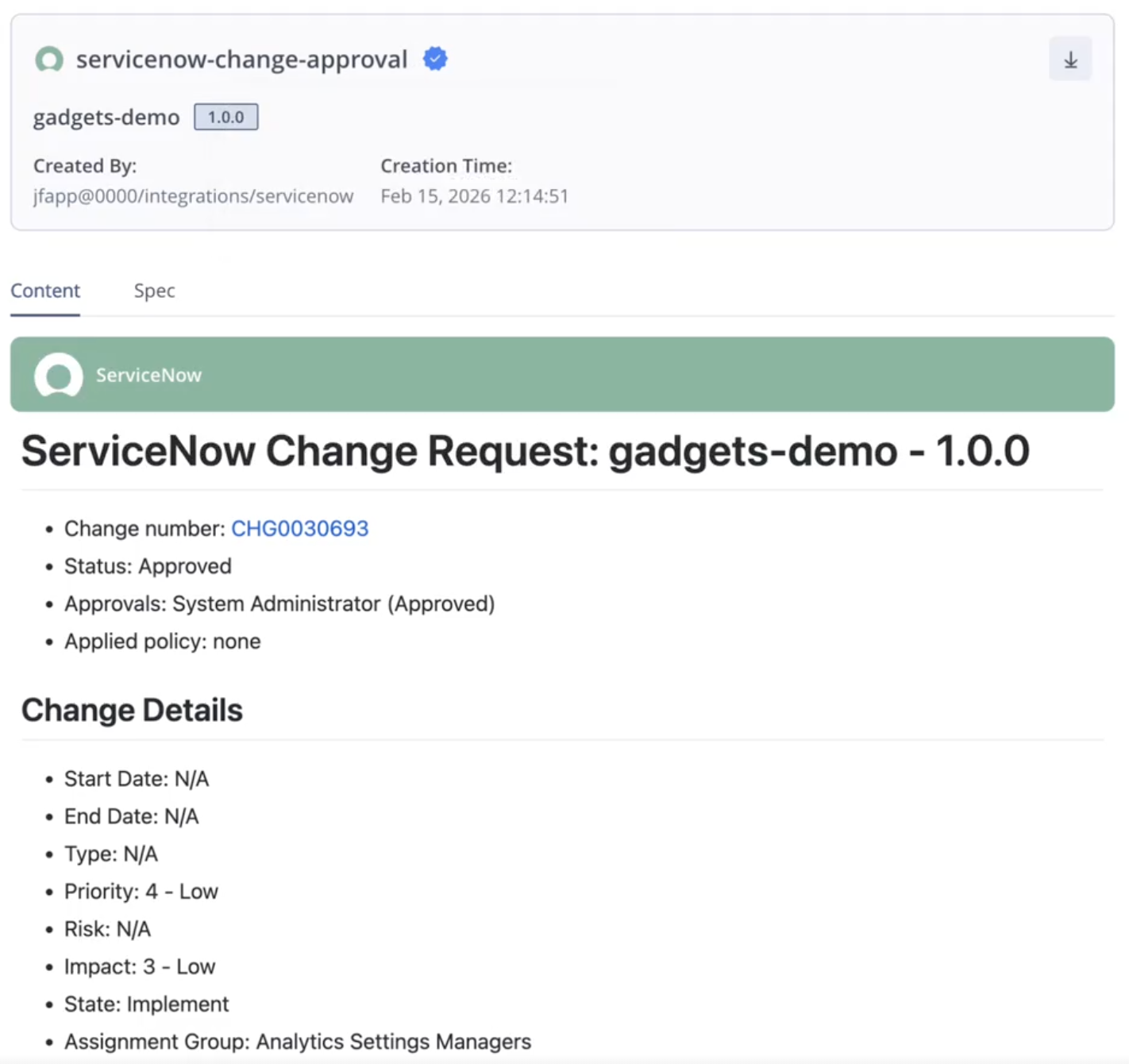
To see the contents of the evidence file, click the row in the table. The evidence of the approval will look similar to the sample file shown below.
Updated 2 months ago