

Set Up Authentication
Before you can use the ServiceNow Integration, a ServiceNow Administrator must install the JFrog plugin in ServiceNow and configure the JFrog Tool. This process establishes secure authentication between the two systems by injecting a ServiceNow access token into the JFrog Platform.
This is a one-time setup that must be completed before a JFrog Administrator can configure the integration settings in JFrog AppTrust Integrations.
Prerequisites
Before you begin, ensure you have:
- Administrator access in JFrog Platform and
sn_devops.adminorsn_devops.tool_ownerRole in ServiceNow
Although the procedure on this page provides all the steps necessary to set up the authentication, general familiarity with installing plugins from the ServiceNow Plugin page could be helpful. If needed you may consult the ServiceNow documentation for details about plugin activation and management: ServiceNow Plugin Installation & Management Documentation.
To set up authentication:
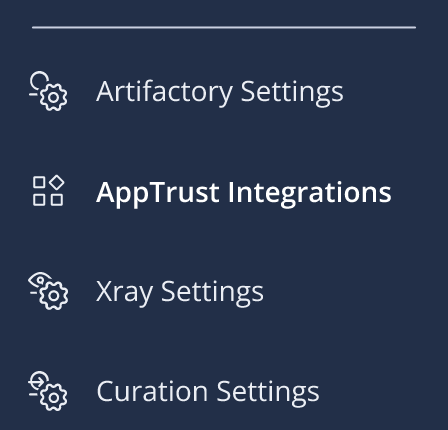
- In the JFrog Platform, go to Administration > AppTrust Integrations. For the Project, choose All Projects.
-
Click Generate Token. If you have already done the configuration procedure and you need to get a new token, click Regenerate. The token is generated and displayed.
-
Copy the token to the clipboard and close the Integration Token dialog box.
-
In ServiceNow, go to DevOps Change Workspace > Tools > Connect a Tool > Artifact.
-
Choose JFrog and click Next. A dialog box for configuring JFrog information will open.
-
Enter the following information:
- Tool Name: Enter JFrog AppTrust or some other name you want to use to identify the JFrog tool.
- Tool URL: Enter the URL of the JFrog tenant server.
- Credential Type: Enter Bearer Token.
- Bearer Token: Paste in the token you generated in JFrog Platform.
-
Click Connect. ServiceNow will connect with JFrog Platform and provide information necessary for AppTrust to communicate with it securely. AppTrust will install a JFrog plug-in to ServiceNow which ServiceNow users will use in a subsequent procedure to sync data with AppTrust.
-
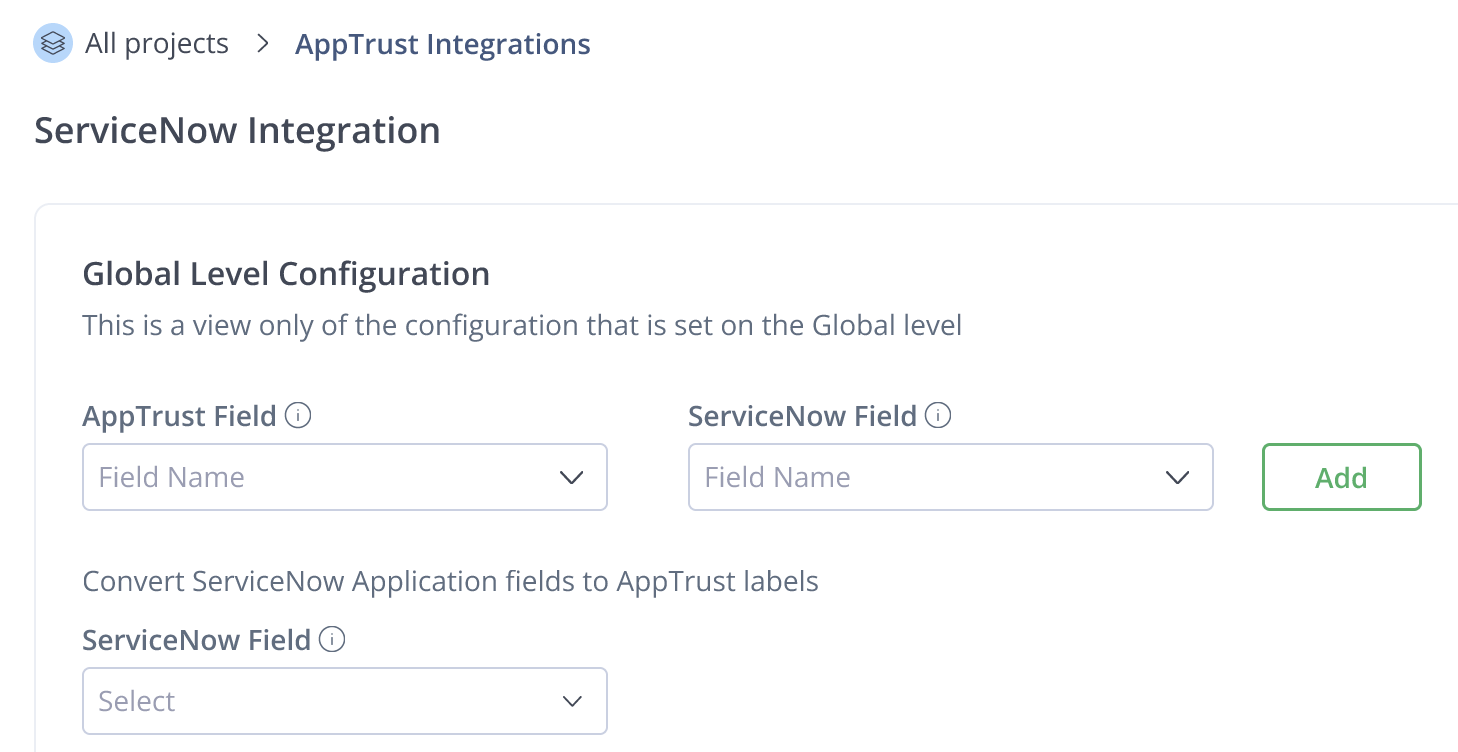
Return to JFrog Platform. You will see the ServiceNow Integration page.
What's Next?
Continue to the next procedure, Configure Global Level.
Updated 2 months ago