

Delete an Application Version
Delete an application version from JFrog AppTrust.
Deleting an application version removes the version from the JFrog platform. Evidence related to the application is deleted as well.
To delete an application version:
- In the JFrog Platform, go to AppTrust > Applications.
- In the Applications table, click the name of the relevant application.
- In the sidebar, click Lifecycle.
- In the Stages Board, click the version you want to delete. The Version Timeline of that version appears.
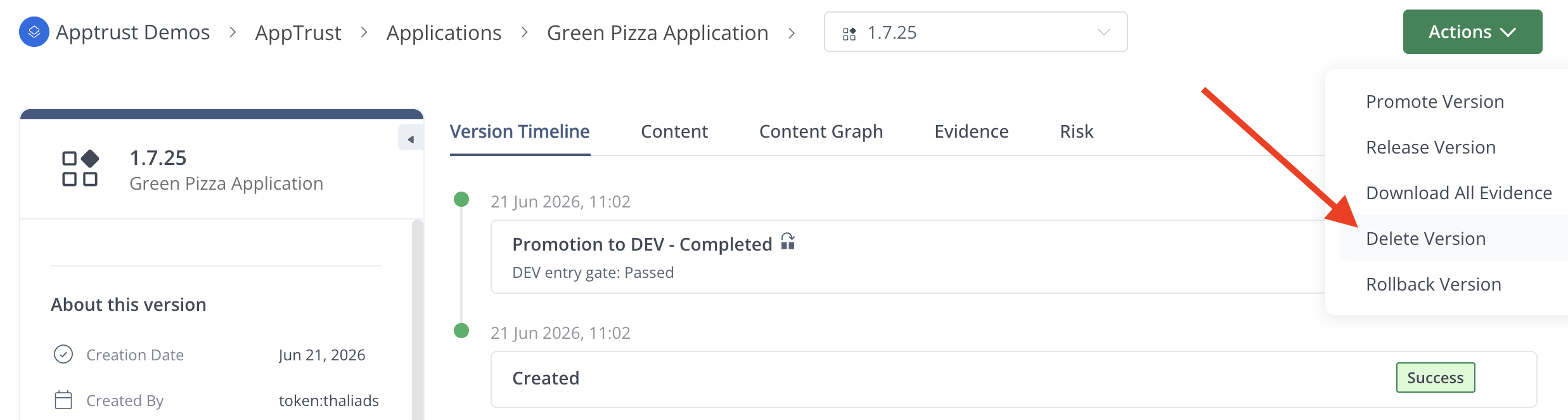
- Click Actions in the upper right, and click Delete Version.
- When prompted to confirm, click Delete.
Updated 4 months ago
Did this page help you?