Tag an Application Version in the Platform UI
You can tag an application version in the sidebar that displays the version details.
To tag an application version in the platform UI:
-
In the Platform module, select AppTrust > Applications.
-
Click the name of the relevant application. The Versions tab is displayed by default.
-
Click the name of the relevant application version.
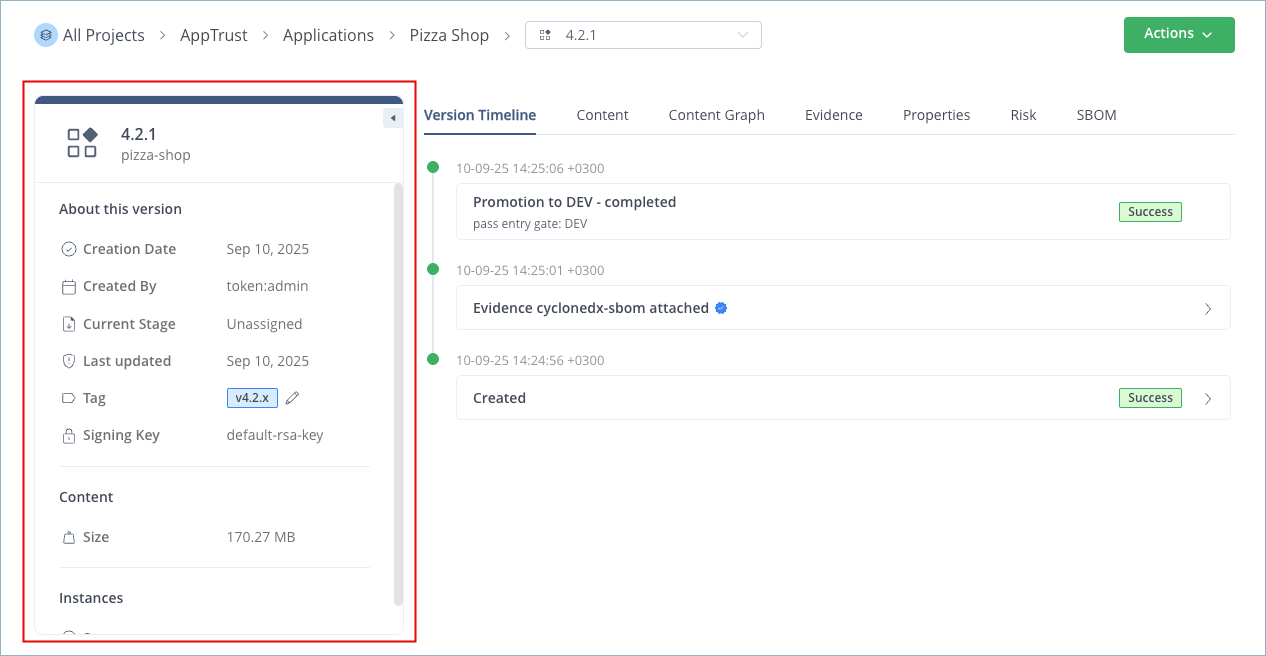
The sidebar displayed on the left side of the page contains details about the application version:
-
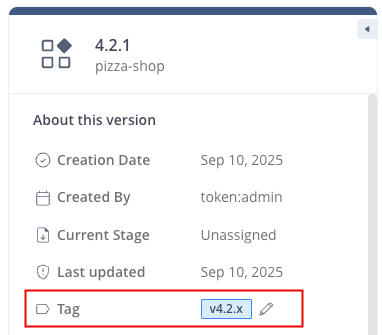
In the Tag field, click the pencil icon.
-
Enter a new tag. A tag is a single free text value, limited to 128 characters, beginning and ending with an alphanumeric character ([a-z0-9A-Z]) with dashes (-), underscores (_), dots (.), and alphanumerics in between.

-
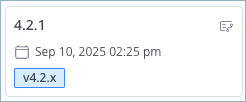
Click the checkmark to save the tag. The tag appears in the sidebar and in the card for that version on the stages board.