

Configure Project Level
Once you have completed global level configuration for the ServiceNow Integration, you need to configure the project level.
Prerequisites
- Global level configuration completed
- Project Administrator or higher permissions in JFrog Platform
To complete the project level configuration:
- In JFrog Platform, in the left menu, choose the Project to configure.
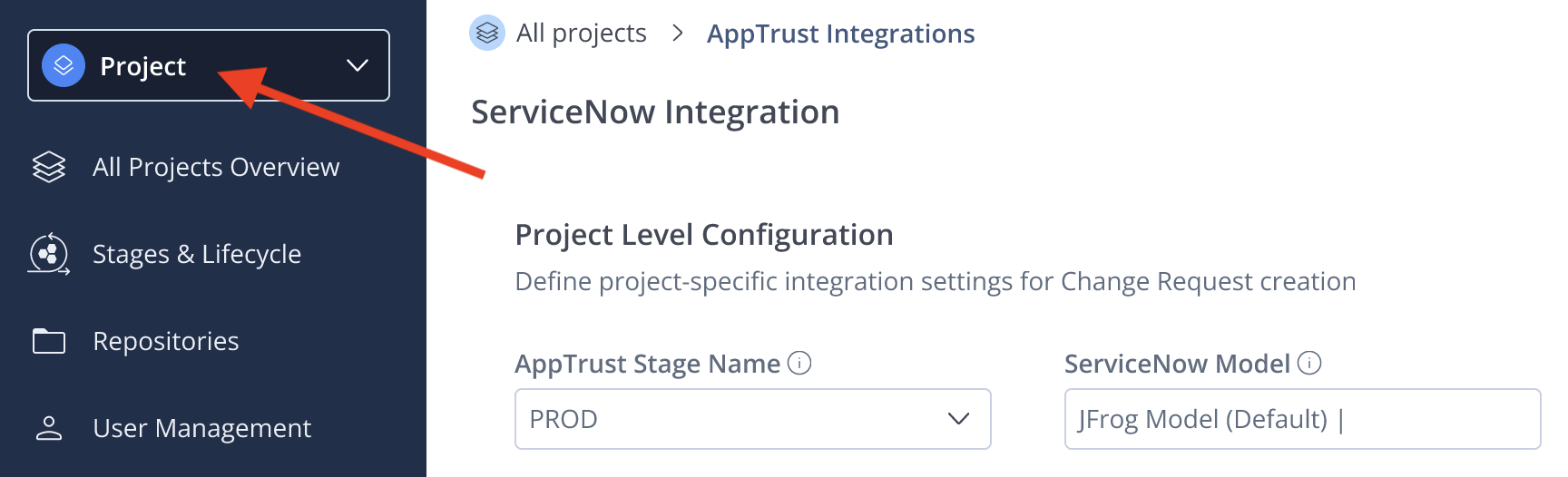
- Enter the following information:
- AppTrust Stage Name: The successful promotion of an application version to the lifecycle stage you enter will trigger a change request in ServiceNow.
- ServiceNow Model: The model in ServiceNow that will be used for this integration. The default is JFrog Model.
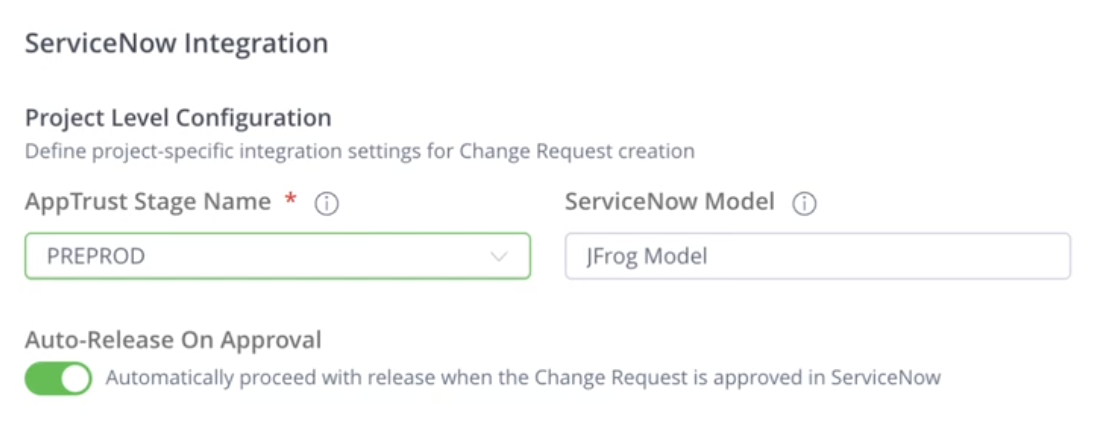
-
Using the toggle, mark your choice for Auto-Release on Approval. When this is set to the On state, AppTrust will automatically release the version to the PROD stage when the change request is approved in ServiceNow.
-
Click Save Configuration.
What's Next?
Complete the procedure in Synchronize Applications.
Updated 2 months ago
Did this page help you?