

Tag an Application Version
Add descriptive tags to application versions in JFrog AppTrust.
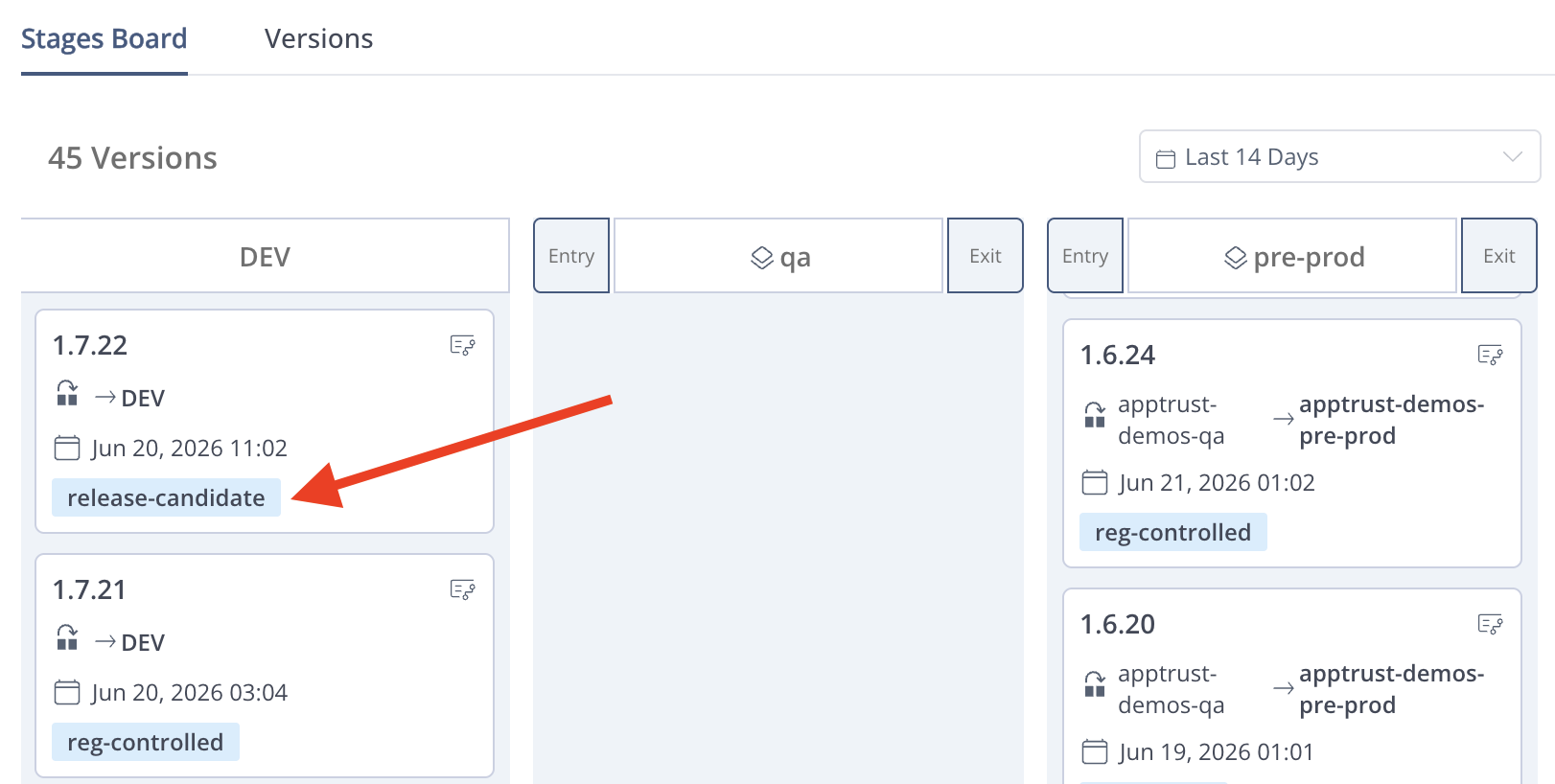
A tag is a string that can help you identify an application version. For example, you can use a tag to mark a version as a release candidate. The tag appears on the version's card in the stages board and in the version's description panel.
You can tag an application version in the side panel that displays the version details.
To tag an application version:
- In the JFrog Platform, go to AppTrust > Applications.
- Click the name of the relevant application, and click Lifecycle.
- In the Stages Board, click the card of the relevant application version.
- In the version's description panel on the left, click the Edit (pencil) icon by the word Tag.
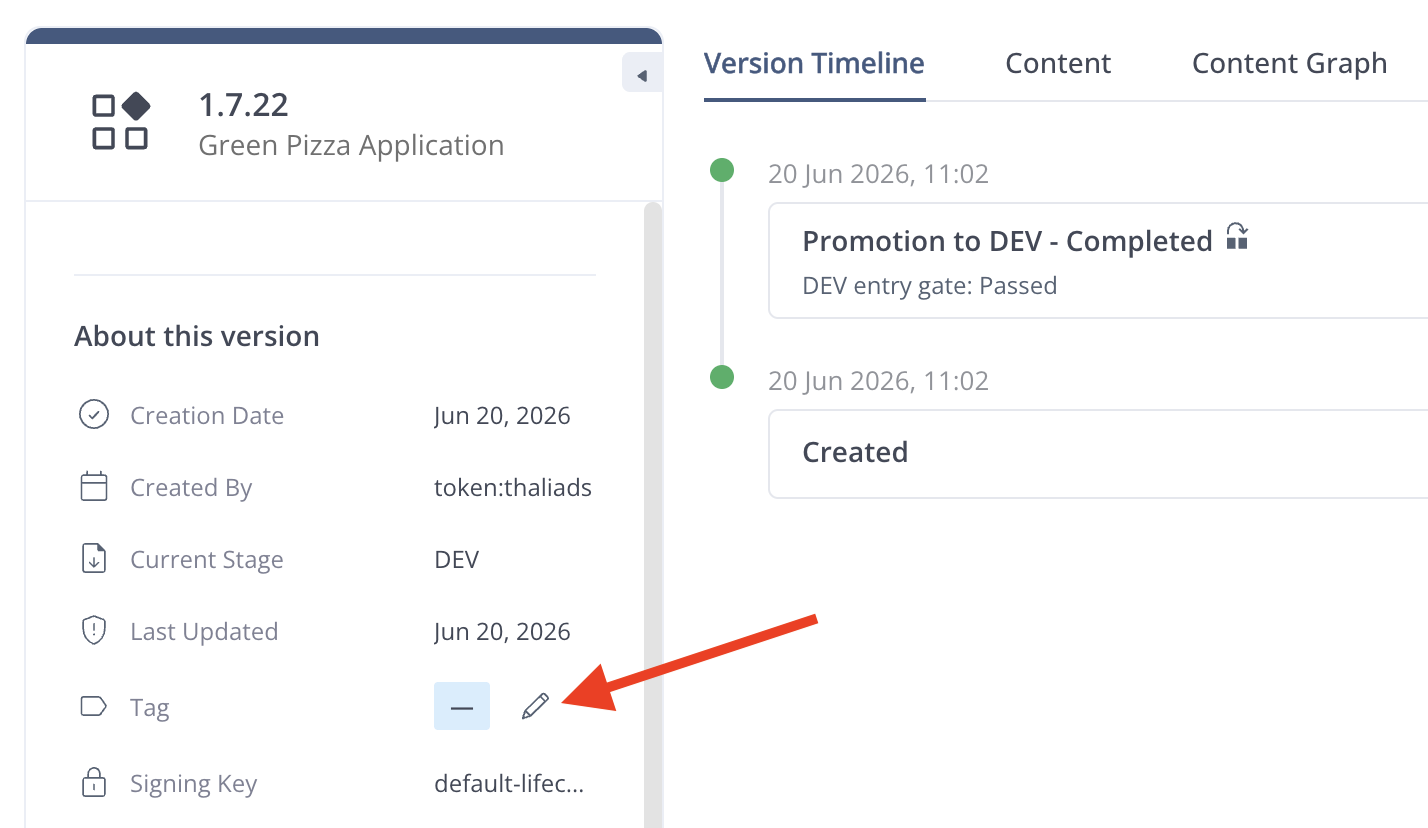
- In the empty field, enter a tag name. A tag is a string, limited to 128 characters, beginning and ending with an alphanumeric character ([a-z0-9A-Z]) with dashes (-), underscores (_), dots (.), and alphanumerics in between.
- Click the checkmark to save the tag. The tag appears in description panel and in the card for that version on the stages board.
Updated 4 months ago
Did this page help you?