

View the Contents of a Release Bundle v2 Version
Learn how to view Release Bundle v2 version contents in the Contents tab or Content Graph on the JFrog Platform UI.
You can discover the contents of a Release Bundle v2 version using one of the following methods:
For other management tasks, see Manage Release Bundle v2 Versions.
View the Contents of a Release Bundle v2 Version in the Platform UI
The JFrog Platform UI provides two methods for viewing the contents of a Release Bundle v2 version:
View Release Bundle v2 Contents in a Table
The Contents tab provides details about the packages and standalone artifacts (known collectively as releasables) that comprise the selected Release Bundle v2 version.
To view the contents of a Release Bundle v2 version in a table:
-
In the Platform module, select Artifactory > Release Lifecycle.
-
Click the name of the relevant Release Bundle. The Versions tab is displayed by default.
-
Click the name of the relevant Release Bundle version. The Version Timeline tab is displayed by default.
-
Click the Contents tab.
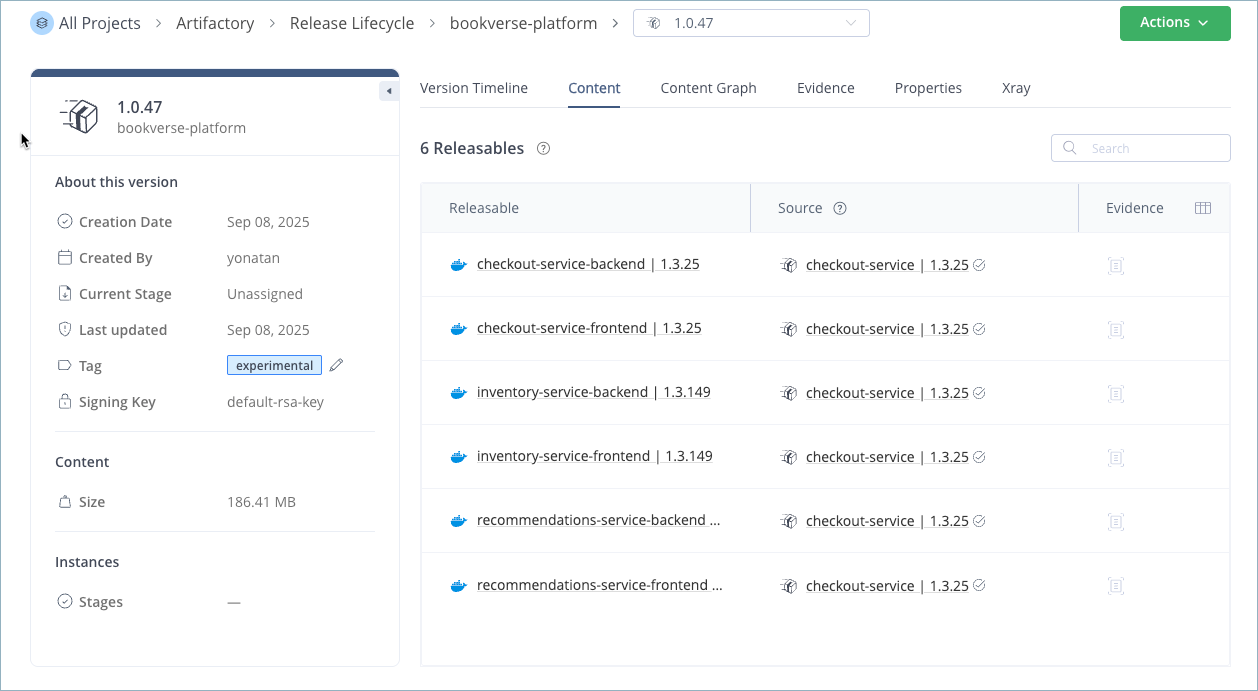
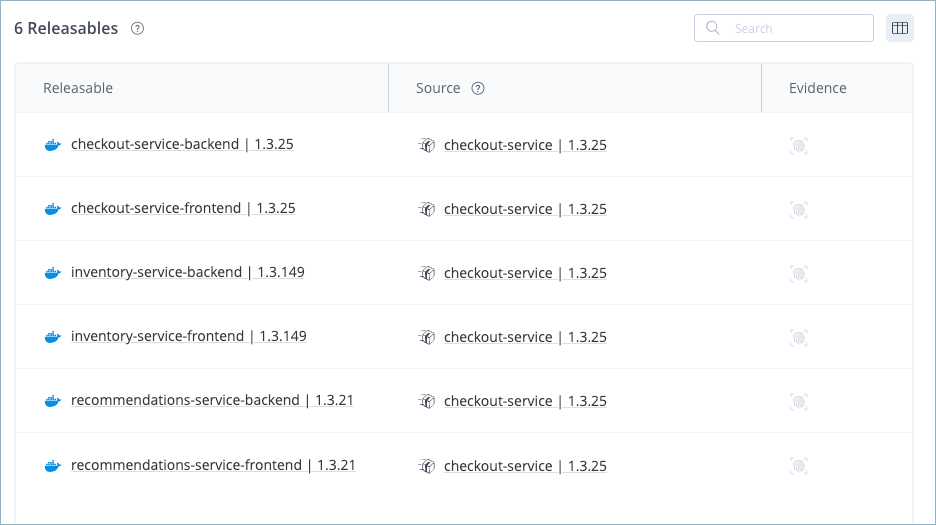
The table on the Contents tab contains the following information about each releasable contained in the Release Bundle version:
- The name and version of the releasable
- The source of the releasable, such as the build or Release Bundle from which the releasable derives
- An icon that indicates whether the releasable contains evidence
View Release Bundle v2 Contents in a Graph
The Content Graph tab provides a visual representation of the Release Bundle v2 version contents. This visual representation makes it easier to understand the relationship between the releasables that comprise the version, especially complex versions that might be comprised of multiple builds, packages, and even other Release Bundles.
To view the contents of a Release Bundle v2 version in a graph:
-
In the Platform module, select Artifactory > Release Lifecycle.
-
Click the name of the relevant Release Bundle. The Versions tab is displayed by default.
-
Click the name of the relevant Release Bundle version. The Version Timeline tab is displayed by default.
-
Click the Content Graph tab.
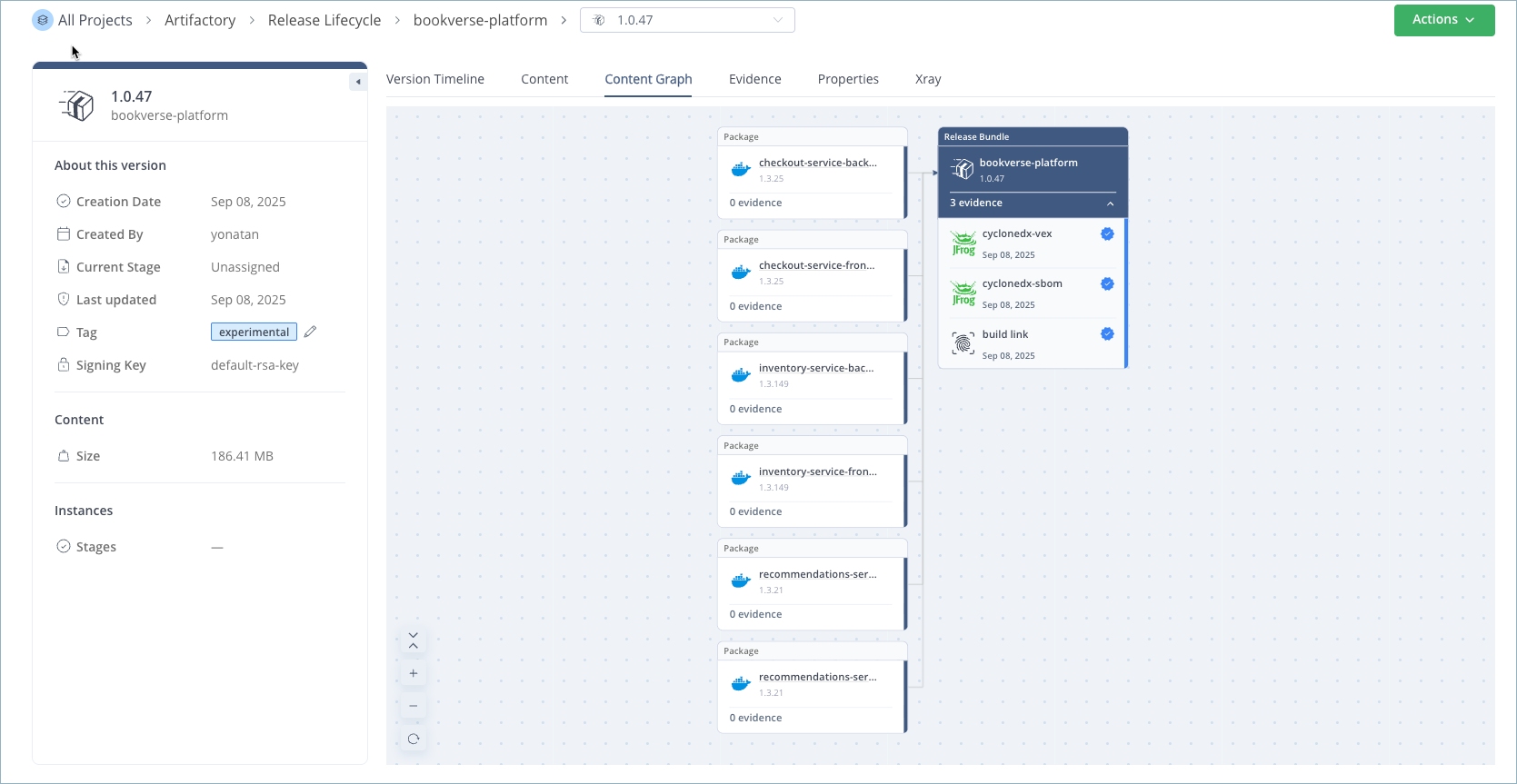
The Content Graph contains the following elements:
| Element | Description |
|---|---|
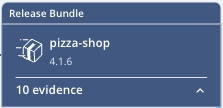 | Represents the Release Bundle version, which is the highest element in the graph. The graph shows evidence files connected to the Release Bundle. Builds and packages appear as connected nodes linked to the Release Bundle. |
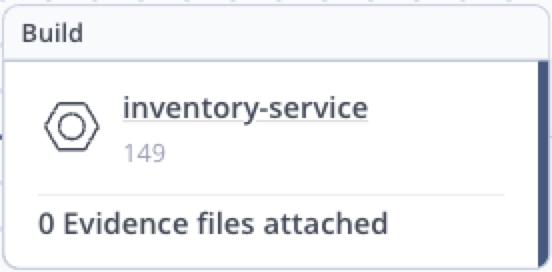 | Represents a build. The graph shows evidence files connected to the build with linking lines. Tip Click the card to jump to detailed information about the build version. |
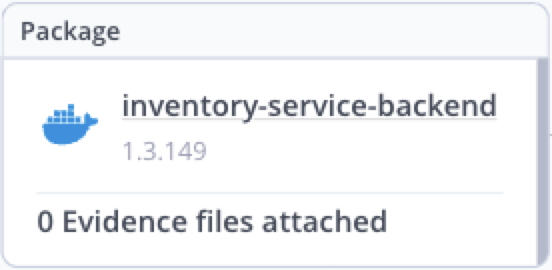 | Represents a package. The graph shows evidence files connected to the artifacts inside the package with linking lines. Tip Click the card to jump to detailed information about the package. |
 | Represents an evidence file. The Content Graph contains evidence associated with the Release Bundle version as well as evidence associated with artifacts, packages, and builds inside the version. The logo indicates the evidence provider, which can be either JFrog or an external provider. Click the card to view the predicate, which contains the actual content of the evidence in JSON, and optionally Markdown, formats. For more information, see View the Evidence Predicate. |
 | Indicates the evidence file has been verified using the public key created for this purpose. For more information, see Upload the Public Key to Artifactory. |
In this example, the Release Bundle version called bookverse-platform 1.0.47 consists of 6 Docker images. None of the images has evidence attached to it, but the Release Bundle itself contains 3 evidence items.
Download the Contents of a Release Bundle v2
When you are ready to deploy a software release, you can download the contents of a Release Bundle v2 from a target JFrog Artifactory (for example, an Edge node) using the JFrog CLI. For more information, see Download Release Bundle v2 Content with the JFrog CLI.
Frequently Asked Questions
This section provides answers to frequently asked questions about viewing the contents of a Release Bundle v2 version.
FAQs
Q: What's the difference between the Contents tab and the Content Graph tab?
A: The Contents tab lists releasables in a table with name, version, source, and evidence icon. The Content Graph tab shows a visual map of releasables and their relationships. See View Release Bundle v2 Contents in a Table and View Release Bundle v2 Contents in a Graph.
Q: What information does the Contents table show for each releasable?
A: Each row shows the releasable name and version, source (such as the build or Release Bundle it derives from), and an evidence icon if evidence is attached.
Q: How do I open build or package details from the Content Graph?
A: Click the build or package card in the Content Graph tab to jump to detailed information about that build version or package.
Q: What do the icons in the Content Graph represent?
A: Icons represent the Release Bundle version, builds, packages, evidence files, and verified evidence. See the element table in View Release Bundle v2 Contents in a Graph.
Q: How do I download Release Bundle v2 contents for deployment?
A: Download contents from a target JFrog Artifactory (for example, an Edge node) using the JFrog CLI. See Download the Contents of a Release Bundle v2.
Related Topics
Updated 10 days ago