

Vagrant Repositories
Vagrant is a tool for building and managing virtual machine environments in a single workflow, making it simple to create reproducible development environments. A Vagrant box is a packaged base image of an operating system ready to be cloned and configured. You can use Vagrant repositories in Artifactory to store private, customized boxes with all necessary software and security configurations pre-installed. For more information, see Vagrant documentation.
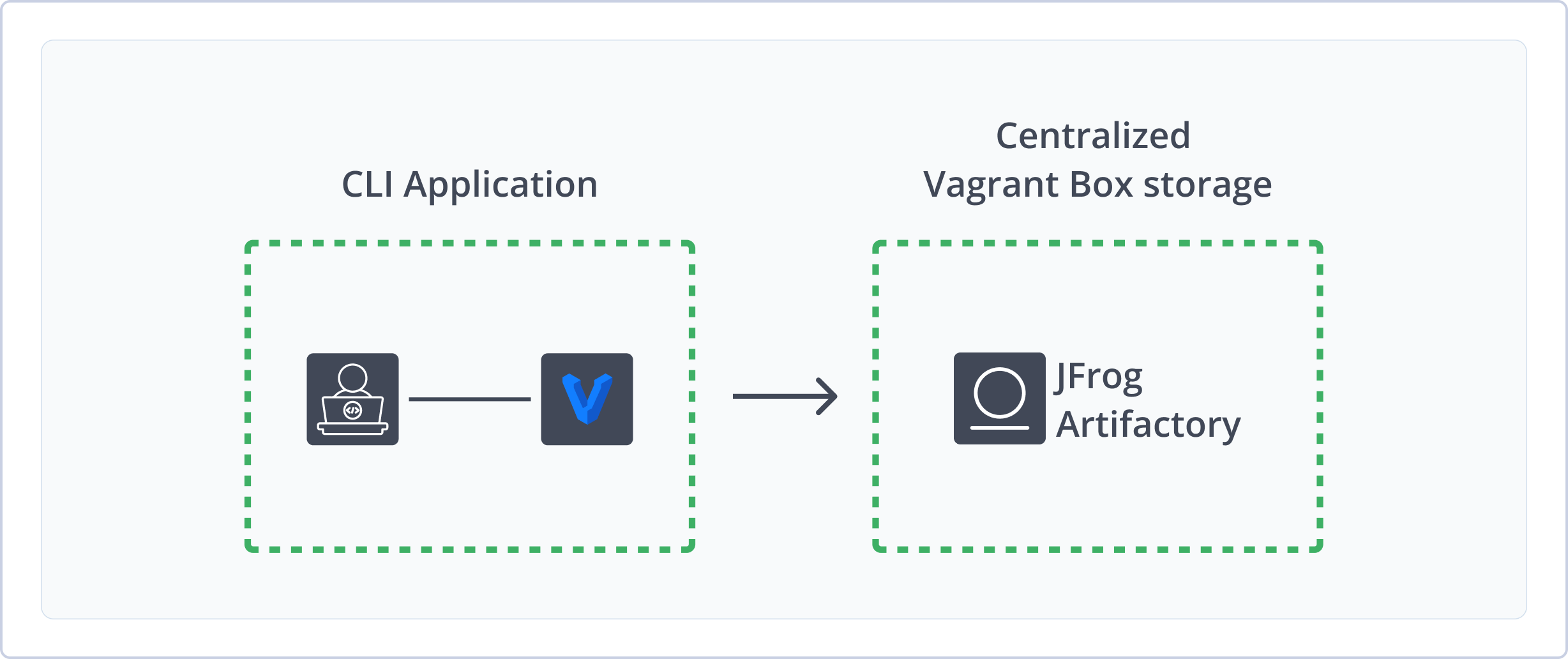
Artifactory supports the following capabilities for Vagrant repositories:
- Robust Metadata Capabilities: Calculate metadata for Vagrant boxes hosted in Artifactory's local repositories.
- Fine-Grained Access Control: Extensive security features and flexible repository layouts allow you to assign access privileges according to project or development teams.
- Centralized Storage and Management: Use Artifactory as your source of truth and single location for distributing and sharing Vagrant boxes and other artifact and package types.
Get Started with Vagrant
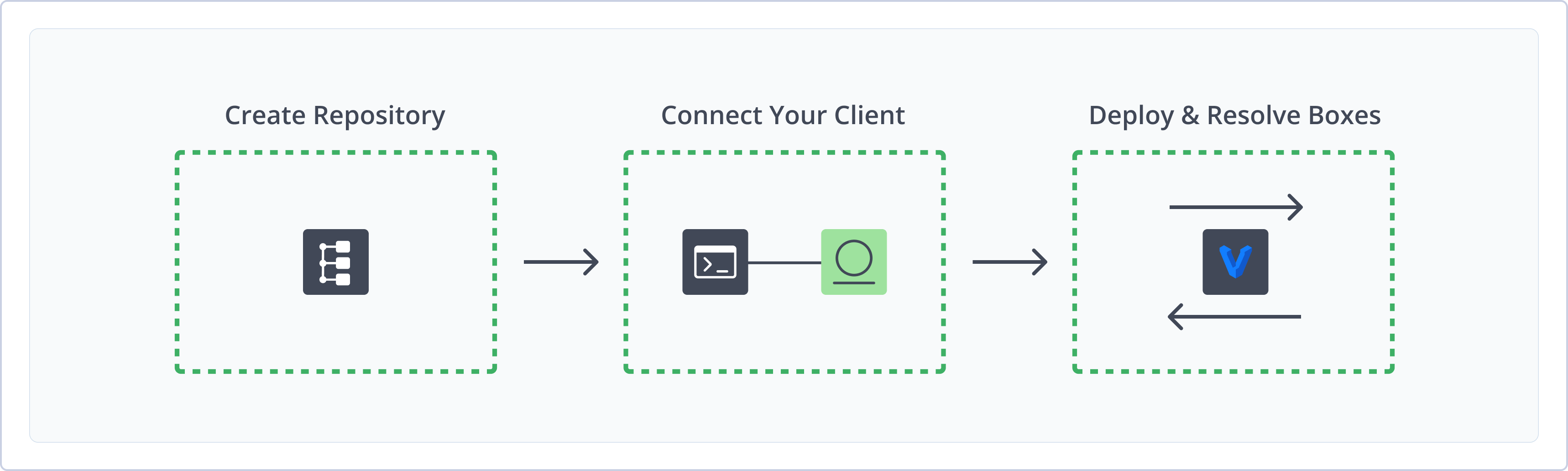
To get started working with Vagrant in Artifactory, complete the following main steps:
- Create a Vagrant Repository
- Connect Vagrant to Artifactory
- Deploy and provision Vagrant boxes
Create a Vagrant Repository
This topic describes how to create a Vagrant repository. This is required before publishing and installing Vagrant boxes. Artifactory supports local Vagrant repositories, allowing you to store and share first- and second-party packages with your organization.
For more information on JFrog repositories, see Repository Management.
Prerequisite: You need Admin or Project Admin permissions in Artifactory to create a repository.
To create a Vagrant repository:
-
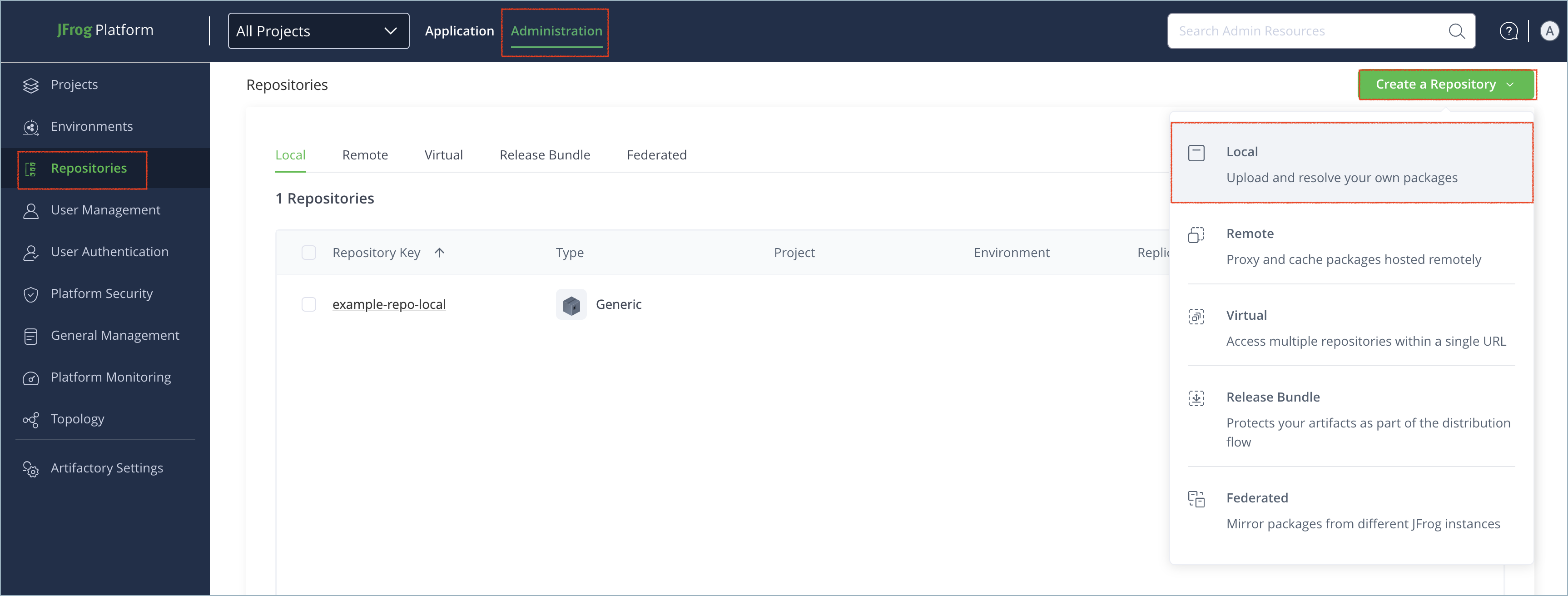
In the Administration tab, click Repositories | Create a Repository.
-
Select Local.
-
Select the Vagrant package type.
-
In the Repository Key field, type a meaningful name for the repository. For example,
vagrant-local. For more information on local repositories and their settings, see Local Repositories. -
Click Create Repository. The repository is created and the Repositories window is displayed.
Connect Vagrant to Artifactory
If your Vagrant repository requires authentication, you need to set environment variables to connect your Vagrant client to Artifactory.
Prerequisite: Before connecting Vagrant to Artifactory, you must have an existing Vagrant repository in Artifactory. For more information, see Create a Vagrant Repository.
Logged in vs. Anonymous User: You can work with Vagrant and Artifactory as a logged-in user or anonymously. To work with Artifactory using Anonymous Access, configure that access under Admin | Security | General. For details, refer to Allow Anonymous Access.
To connect Vagrant to Artifactory:
Run the following commands to set the ATLAS_TOKEN and VAGRANT_SERVER_URL environment tokens:
export ATLAS_TOKEN=<AUTH>
export VAGRANT_SERVER_URL=https://[JFrogPlatformURL]/artifactory/api/vagrant/<REPO_NAME>
Where:
<AUTH>: Your Artifactory identity token[JFrogPlatformURL]: The URL of your JPD<REPO_NAME>: The name of the target repository
For example:
export ATLAS_TOKEN=51HnvD0A1g2q3n4b5F6g7H8j9K0l1m2N3o4P5q6R7s8T9u0V1w2X3y4
export VAGRANT_SERVER_URL=https://company.jfrog.io/artifactory/api/vagrant/vagrant-localNote
You can also use JFrog Set me up to copy the snippet populated with your token and environment. For more information, see Use Artifactory Set Me Up for Configuring Package Manager Clients.
Next steps:
Deploy Vagrant Boxes
To deploy Vagrant boxes:
Run the following command:
curl -L -u<USERNAME>:<AUTH> -T <PATH_TO_FILE> "https://[JFrogPlatformURL]/artifactory/<REPO_NAME>/<BOX_PATH>;box_name=<NAME>;box_provider=<PROVIDER>;box_version=<VERSION>"Where:
<USERNAME>: Your Artifactory username<AUTH>: Your Artifactory identity token<PATH_TO_FILE>: The path to the.boxfile on your local machine[JFrogPlatformURL]: The URL of your JPD<REPO_NAME>: The name of the target repository<BOX_PATH>: The path to the.boxfile within the repository structure<NAME>: The name of the box<PROVIDER>: The Vagrant box provider. For more information, see Providers<VERSION>: The Vagrant box version. For more information, see Box Versioning
For example:
curl -L -ujeffry:51HnvD0A1g2q3n4b5F6g7H8j9K0l1m2N3o4P5q6R7s8T9u0V1w2X3y4 -T /home/jeffry/Downloads/precise64-virtualbox-1.0.0.box "https://company.jfrog.io/artifactory/vagrant-local/precise64-virtualbox-1.0.0.box;box_name=precise64;box_provider=virtualbox;box_version=1.0.0"Note
You can also use JFrog Set me up to copy the snippet populated with your token and environment. For more information, see Use Artifactory Set Me Up for Configuring Package Manager Clients.
Provision Vagrant Boxes
To provision a Vagrant box:
Run this command:
vagrant box add "https://[JFrogPlatformURL]/artifactory/api/vagrant/<REPO_NAME>/<BOX_NAME>"Where:
[JFrogPlatformURL]: The URL of your JPD<REPO_NAME>: The name of the repository where the box is located<BOX_NAME>: The name of the box you want to provision
For example:
vagrant box add "https://company.jfrog.io/artifactory/api/vagrant/vagrant-local/precise64"Tip
You can also use parameters like
--providerand--box-version, or any custom properties you added, to identify a specific version. For more information, see Using Properties in Deployment and Resolution.
Note
You can also use JFrog Set me up to copy the snippet populated with your token and environment. For more information, see Use Artifactory Set Me Up for Configuring Package Manager Clients.
Additional Vagrant Information
The following pages provide additional information about using Vagrant repositories in Artifactory:
Deploy a Vagrant Package Using the JFrog Platform WebUI
To deploy a Vagrant box to Artifactory:
-
In the Application module, under Artifactory | Artifacts select the repository to which you want to deploy your Vagrant box.
-
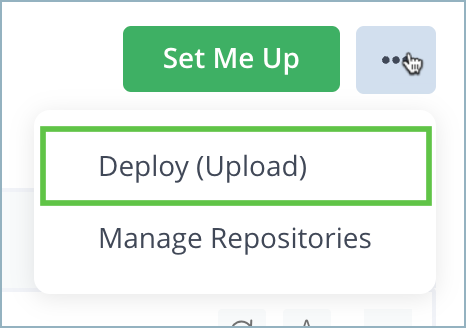
Click Deploy.
-
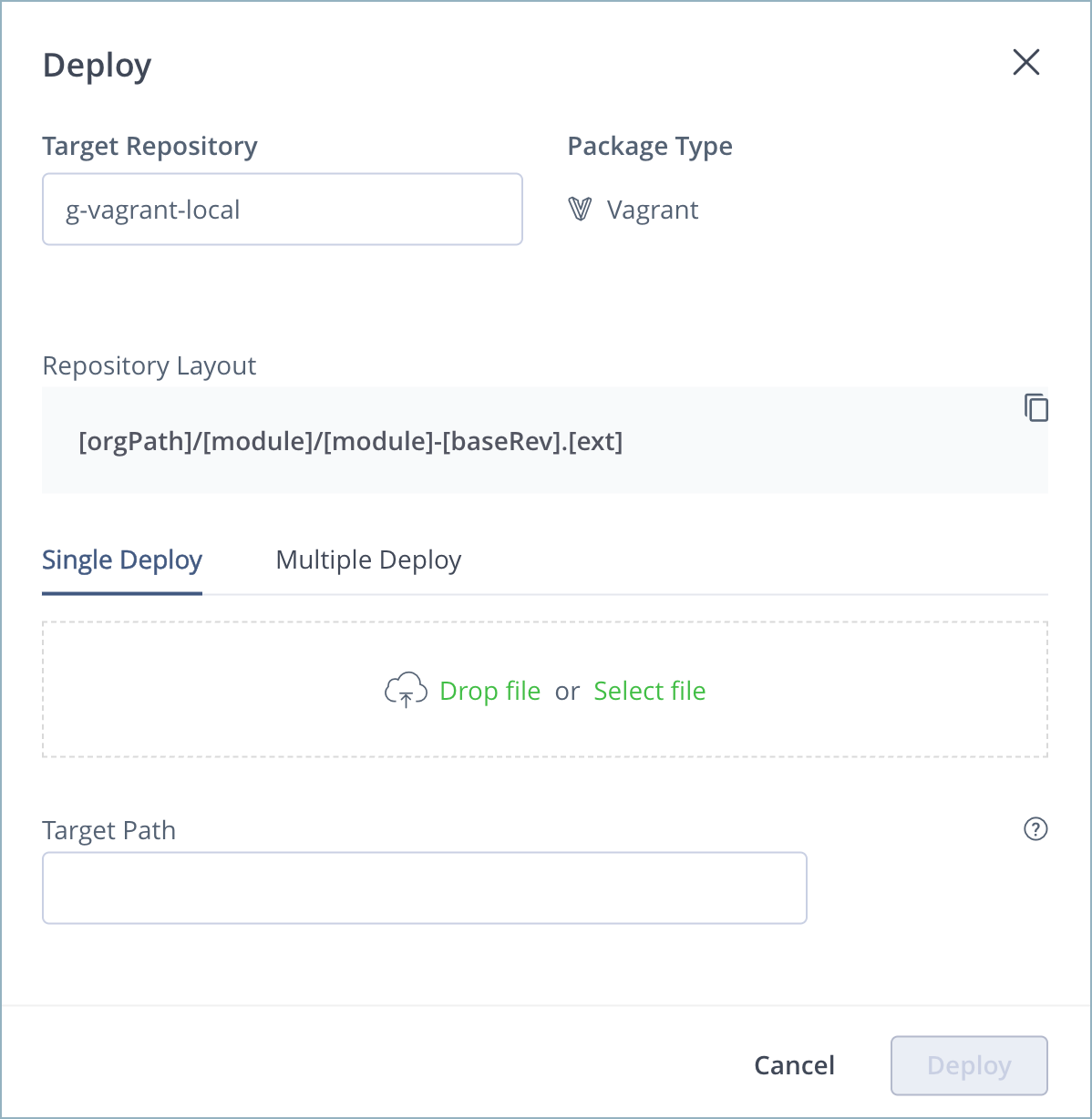
In the Deploy window, verify or provide fill in the required details and attach files for upload.
-
For target path, enter any parameters you want to add to the box as properties. For example, to upload the box
precise64-virtualbox-1.0.0.box, and specify its name asprecise64, its provider asvirtualbox, and its version as1.0.0, enter the following target path:/precise64-virtualbox-1.0.0.box;box_name=precise64;box_provider=virtualbox;box_version=1.0.0 -
Click Deploy.
Set the Vagrant Target Path
When deploying a Vagrant box to Artifactory, you need to specify the target path. The target path can be anywhere in the repository, but it must contain at minimum these three mandatory properties:
box_name: The name of the boxbox_provider: The box provider. For more information, see Providers in the Vagrant documentationbox_version: The box version. For more information, see Box Versioning in the Vagrant documentation
Optionally, you can add additional properties as matrix parameters. For more information, see JFrog Properties.
Updated 9 months ago