

Setting up Package Management in Artifactory
Learn how to set up repositories, clients, and package upload in Artifactory.
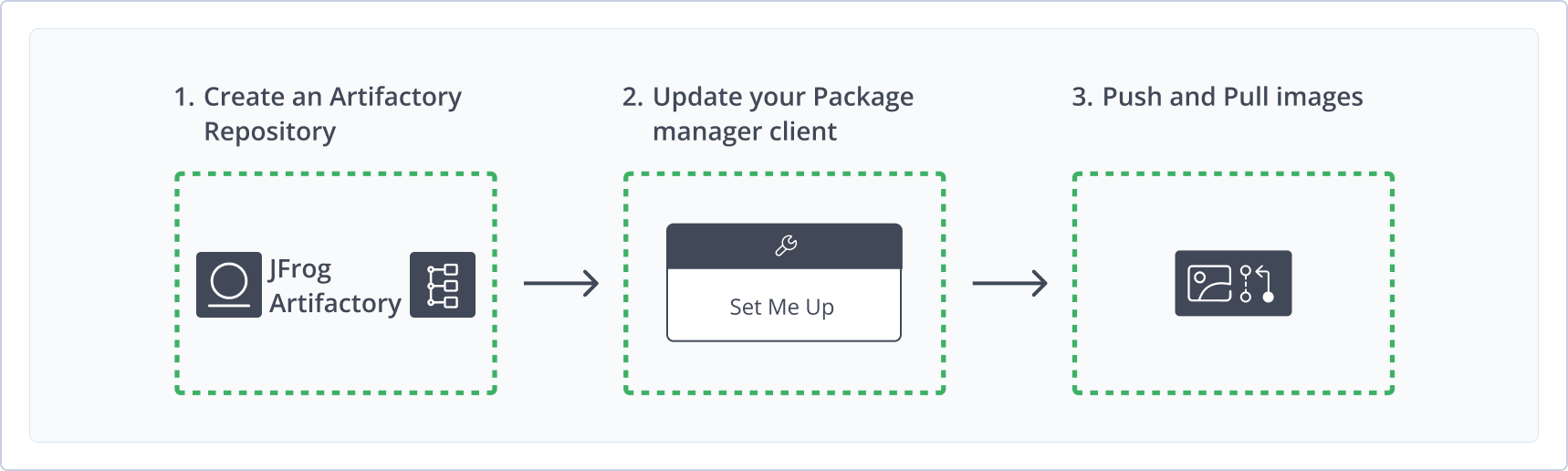
Once your JFrog Artifactory endpoint has been created and configured, setting up package management in Artifactory consists of the following steps:
- Creating Repositories
- Configuring Your Package Management Clients
- Uploading and Downloading Packages
Creating Repositories in Artifactory
Repositories are the main package and artifact storage locations in Artifactory. The following repository types are supported.
| Repository type | Purpose |
|---|---|
| Local | Store and share first- and second-party packages with your organization. |
| Remote | Download items from remote locations, including external package registries or other Artifactory endpoints. |
| Virtual | Aggregate remote and local repositories into a single URL that provides access to multiple repositories and types. |
If you are part of a large organization, an Artifactory repository for your package type might already be set up. You can check with your JFrog administrator. You may require special permissions. For instructions on creating repositories see Repository Management Overview.
Configuring Your Package Management Clients
Once your repositories are set up in Artifactory, you can configure your package manager to work against your Artifactory endpoint. You can do this in one of the following ways:
- JFrog Set Me Up: You can use Set Me Up in Artifactory to get snippets and commands to connect your package manager client to Artifactory. Set Me Up populates the snippets with your environment information and credentials where needed. For more information, see Use Artifactory Set Me Up for Configuring Package Manager Clients
- JFrog Documentation: You can find full instructions, snippets, and commands for configuring your package manager client in the JFrog documentation. For a list of supported package types and clients, and links to the JFrog documentation for each one, see Supported Package Types.
Uploading and Downloading Packages
Once your repository is created and your package management client is configured, you can begin uploading and downloading packages from Artifactory natively with your package management client. For more information, see Upload and Download Packages using Artifactory.
Related Topics
Updated 22 days ago