

Compliance
In JFrog AppTrust, you can automate compliance with regulatory, governmental, and internal security standards, so that audits stop being a scramble and your releases stay aligned with the standards you are accountable to.
In JFrog AppTrust, you can automate compliance with regulatory, governmental, and internal security standards, so that audits stop being a scramble and your releases stay aligned with the standards you are accountable to.
AppTrust replaces that scramble with automated enforcement through technical rules that run across your software supply chain. In the Compliance Catalog, you choose one or more frameworks that apply to your organization, then tailor how AppTrust enforces each one, adjusting rules to match your infrastructure and deciding, per application, whether a failure logs a warning or blocks the release.
AppTrust Compliance Terminology
Definitions of basic terminology required to understand the compliance features are provided below.
-
Compliance Catalog: The page in AppTrust that shows the frameworks supported and enables an administrator to activate or deactivate a framework.
-
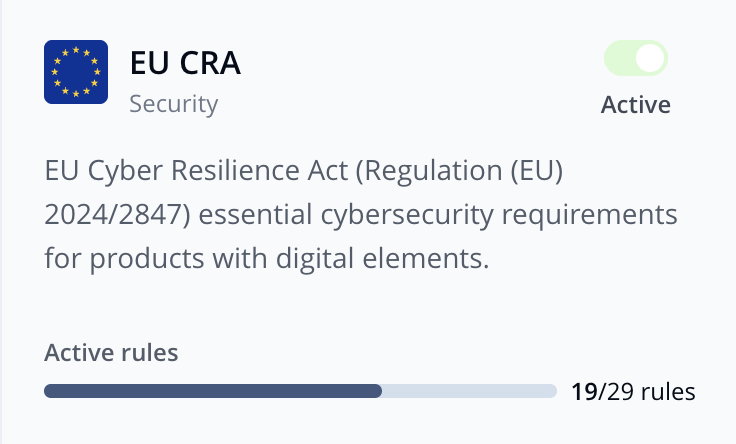
Framework: A recognized standard, such as EU CRA or NIST SSDF, that defines what your organization must do to be considered compliant. A framework is a structured set of controls, published by a regulator or standards body, that your organization complies with to meet legal, regulatory, or industry requirements.
-
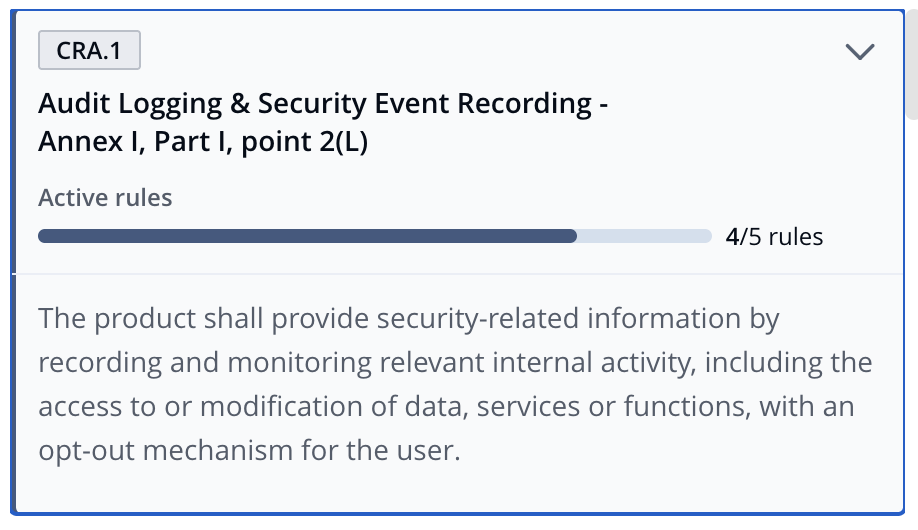
Control: A specific condition within a framework, usually in legal or regulatory language. Each control is broken down into one or more requirements.
-
Requirement: The technical restatement of a control. While controls are written in legal or regulatory language, requirements translate that language into conditions your engineers and AppTrust can act on. A control is demonstrated through one or more requirements.

-
Rule: The automated check AppTrust runs to confirm that a requirement is met.

-
Scope: The set of applications in a project that a framework's rules apply to.
-
Enforcement Action: What happens when a rule fails at the production (PROD) gate. The options are either Warning, in which the failure is logged, but promotion continues, or Fail, in which the promotion is blocked.
Setup and Configuration
Getting Compliance running in your organization is a two-stage process which must be completed in sequence. Your AppSec team configures a framework once, org-wide. Then each project administrator applies that framework to their own applications. Nothing is enforced against your releases until both stages are complete.
Step 1 Overview: Activate a Framework and Configure Controls
User: AppSect Administrator
In the Compliance Catalog, you open a framework, review the rules AppTrust has mapped to each control, enable the rules that apply to your organization, and replace rules that need to work against a different tool than the default assumes. Once everything looks right, you activate the framework so project admins can see it. All rules start toggled off. Enabling them is how the framework gets implemented.
See the procedure: Configure a Framework.
Step 2 Overview: Configure Project Compliance
User: Project Administrator
With the framework active, you select which applications must comply with the framework (its scope), and set how strictly each rule is enforced per application. Not every application in a project has to comply with every framework. The scope is the project administrator's decision.
See the procedure: Configure Project Compliance.
Step 3 Overview: Add Evidence Documents to Application
User: Application Owner
For each rule that will be enforced on an application, you attach the correct document type to the application. You can do this using either an API request or a CLI command. The predicate type you use in the API or CLI depends on the document type required by the rule. For your convenience, we provide a mapping along with the procedure.
See the procedure: Add Evidence Document to Application.
What’s Next?
Learn how to Configure a Framework.
Updated about 2 months ago