

Load an Existing Template
Sometimes a convenient way to start coding a new template is to use code from an existing template. You can do this by loading an existing template into the Rego Playground.
To load a template to the Rego Playground:
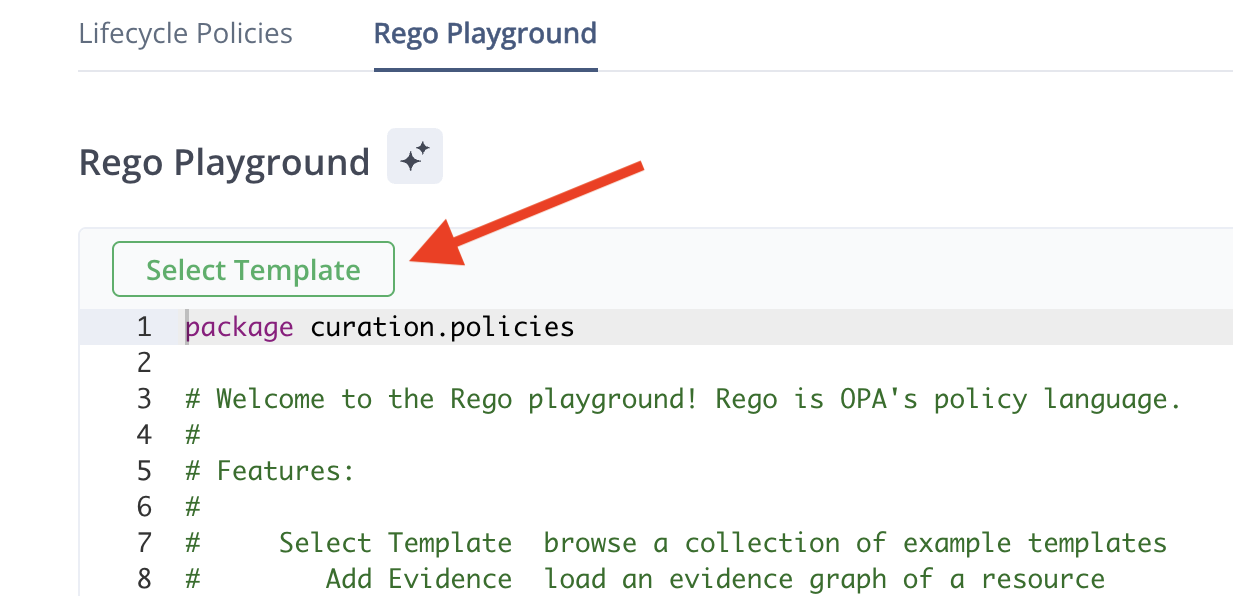
- In the JFrog Platform, go to AppTrust > Lifecycle Policies > Rego Playground > Select Template.
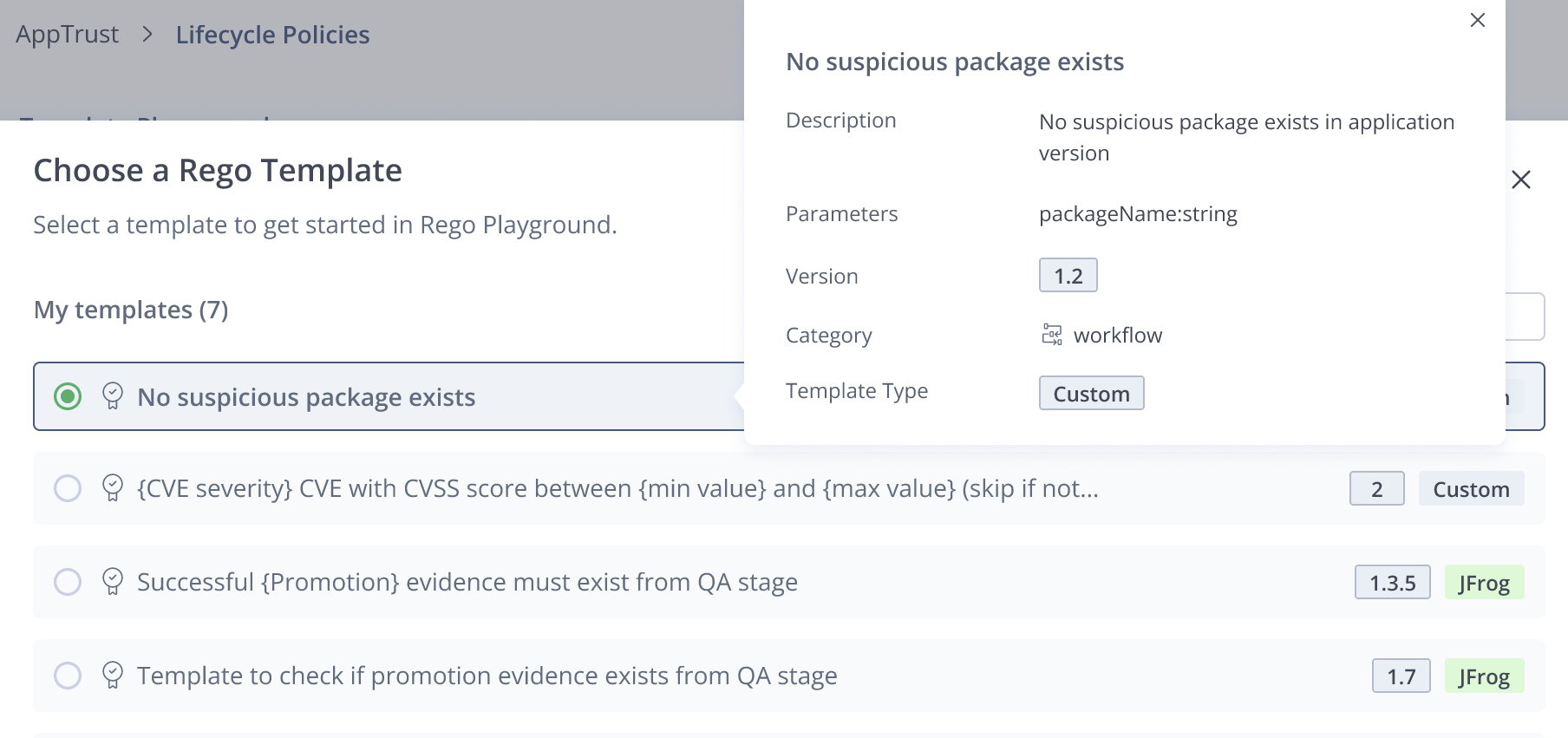
- Choose a template from the list. When you click a template, you can see information about the template such as
- Description
- Parameters
- Version
- Category
- Template Type
- Click Load Template. The Rego code loads into the editing pane of the Rego Playground.
What's New?
Learn how to Update a Template.
Updated 3 months ago
Did this page help you?