

View GitHub PR Merge Evidence
The GitHub PR merge evidence is available after a successful promotion takes place to one of the enabled stages in JFrog AppTrust. This page describes how to view the GitHub PR merge evidence and what it looks like.
The GitHub PR merge evidence is available after a successful promotion takes place to one of the enabled stages. This page describes how to view the GitHub PR merge evidence and what it looks like.
To view GitHub PR merge evidence:
- In the JFrog Platform, go to AppTrust > Applications.
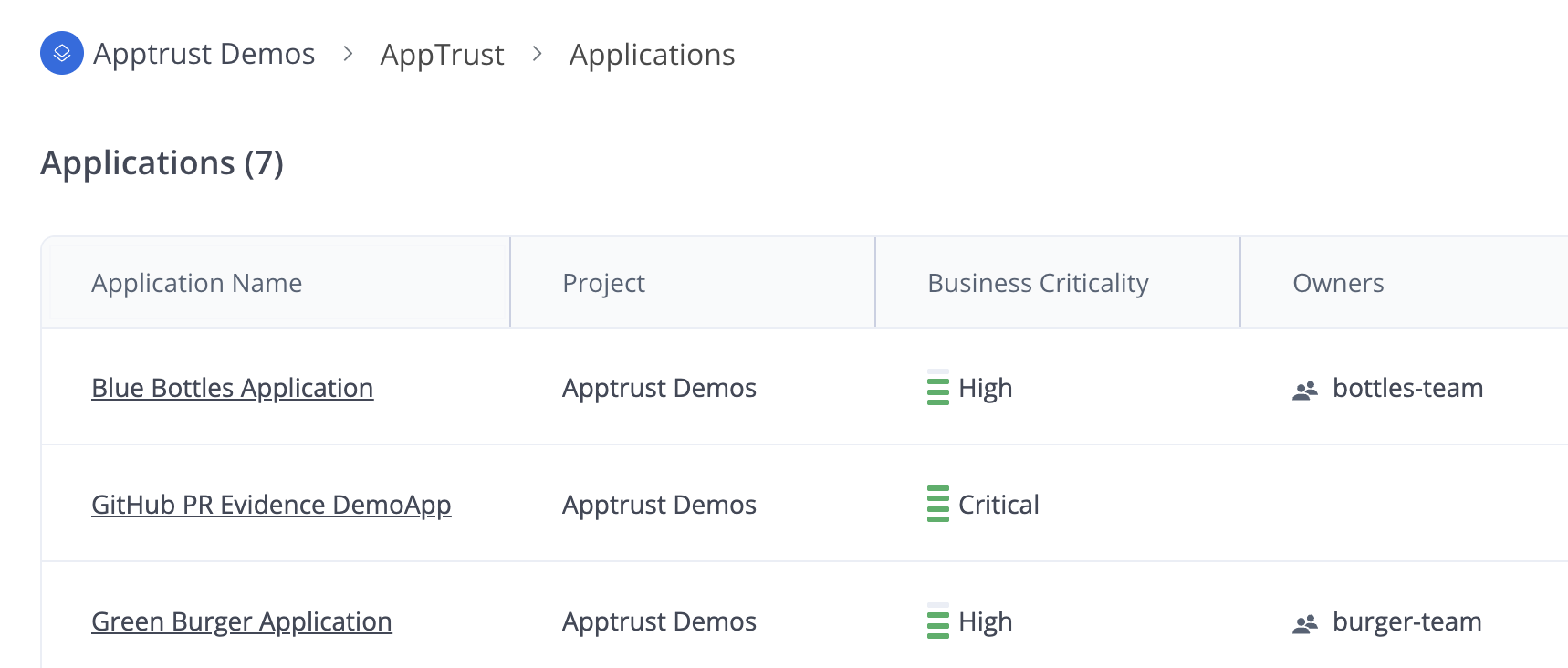
- In the Applications table, click an application name and click Lifecycle.
- In the lifecycle view, double-click the relevant application version and then open the Evidence tab.
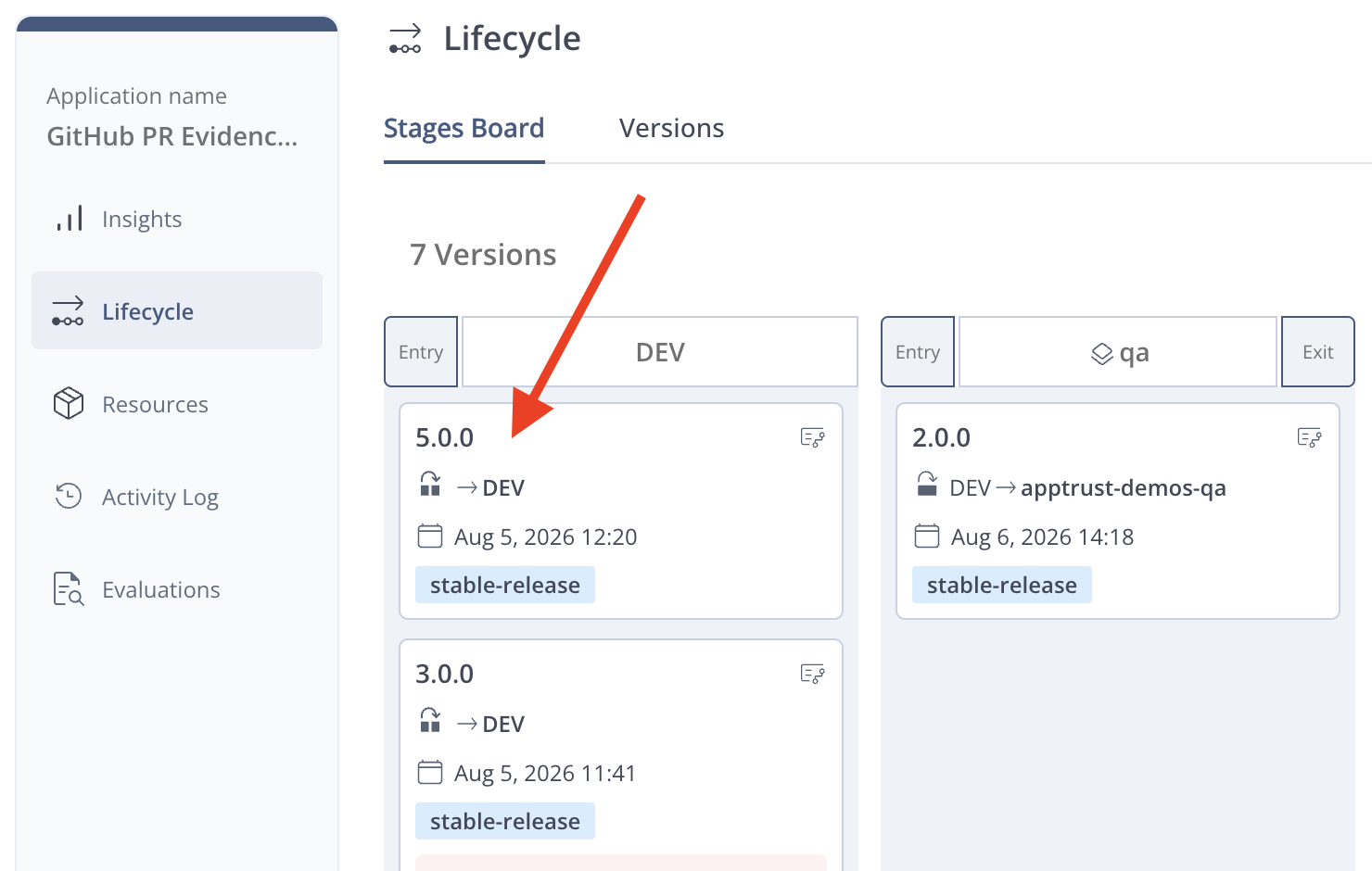
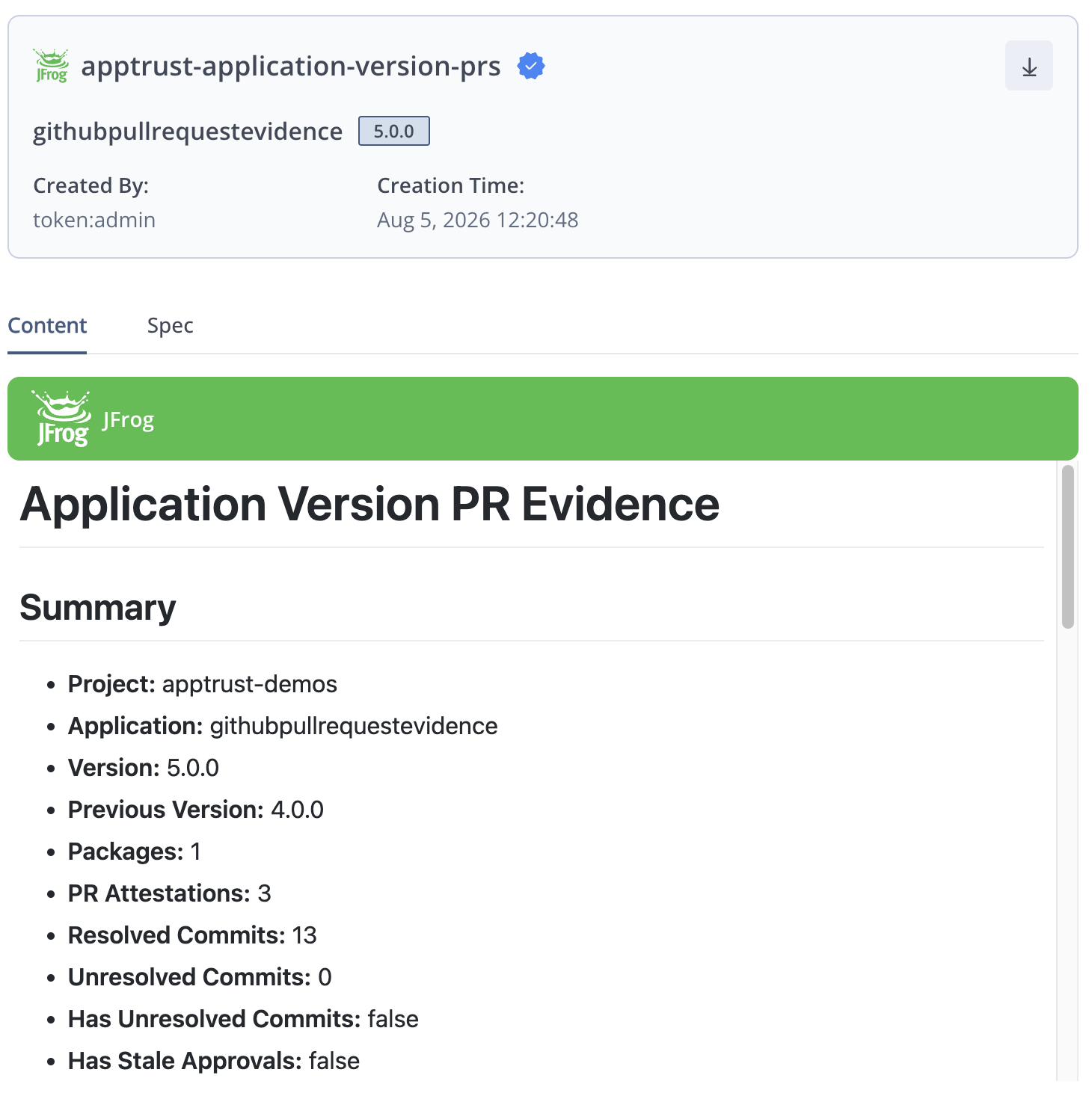
- Open an evidence item and review the contents.
- (Optional) Open the Spec tab and review the evidence specification.
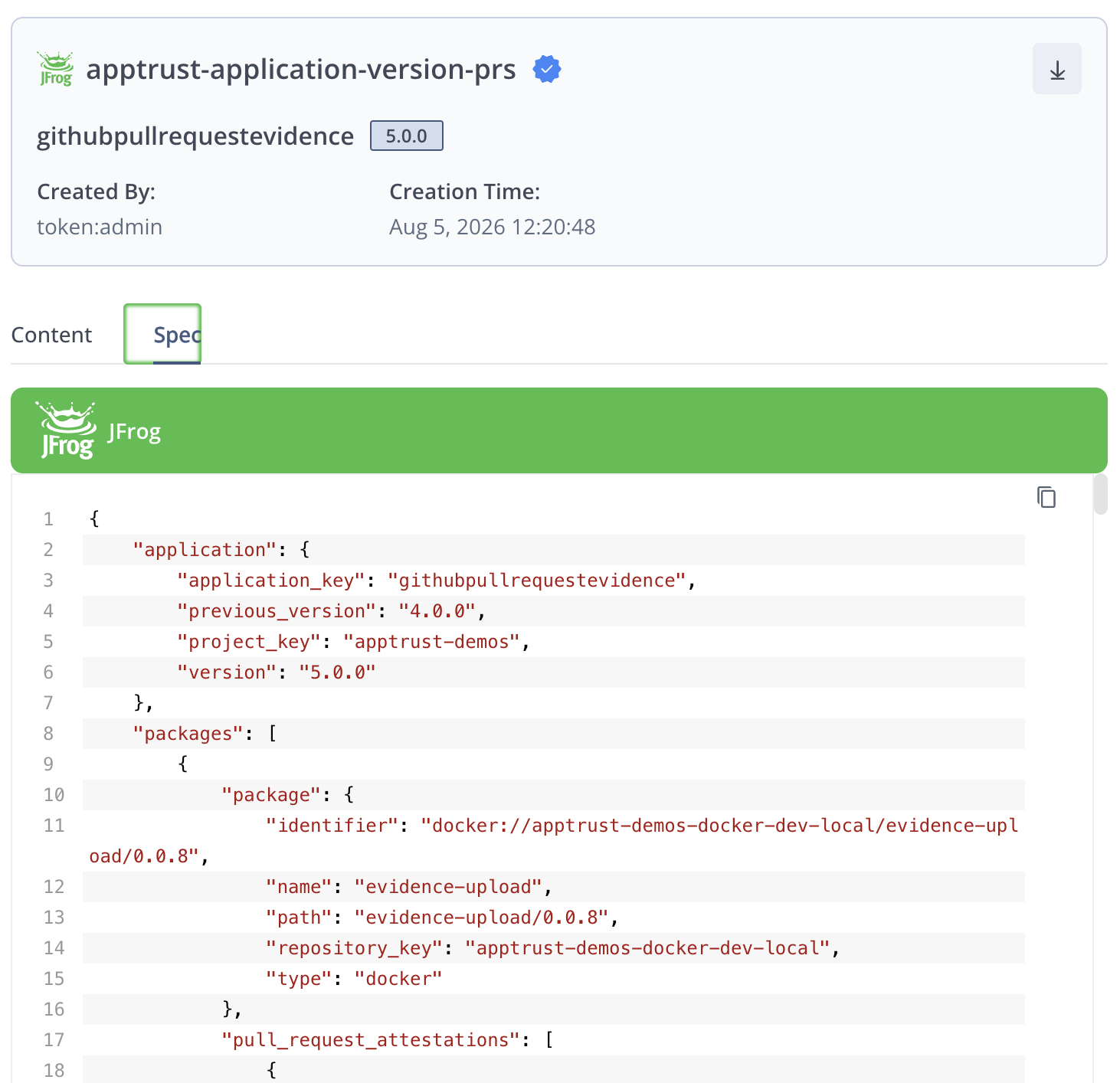
The recorded evidence includes:
- Source Data: Repository and commit ranges for every package.
- Merge Details: Identity of the person who merged the PR and the merge timestamp.
- Approval Details: Names of the individuals who approved the pull request.
- Problem Indicators: Identification of unresolved commits, stale approvals, or unverified commits that may require review. Unresolved commits occur when attestations are missing.
Activity Log Events
For each successful promotion, the following event is recorded in the activity log.
- Add evidence to application version
For more information, see Activity Log Events.
Updated about 1 month ago
Did this page help you?