

Multi-Version Support
Run different Artifactory versions across Federation members with automatic configuration conflict handling.
JFrog Artifactory includes multi-version support, which enables the members of a Federation to run different versions of Artifactory, even if the version at one site includes configuration features and values that aren't supported on the versions running at other sites.
How It Works
Thanks to multi-version support, future upgrades after 7.49.6 can be performed on one site at a time, eliminating the need for simultaneous upgrades across all locations.
Note
It is a prerequisite of the multi-version support feature to upgrade all Artifactory instances hosting Federation members to Artifactory 7.49.6. After this has been done, multi-version support is enabled for all versions going forward.
Configuration Conflict Handling
Whenever an instance with a new Artifactory version is introduced to the Federation, any configuration differences that are detected between the new version and older versions are reported to you.
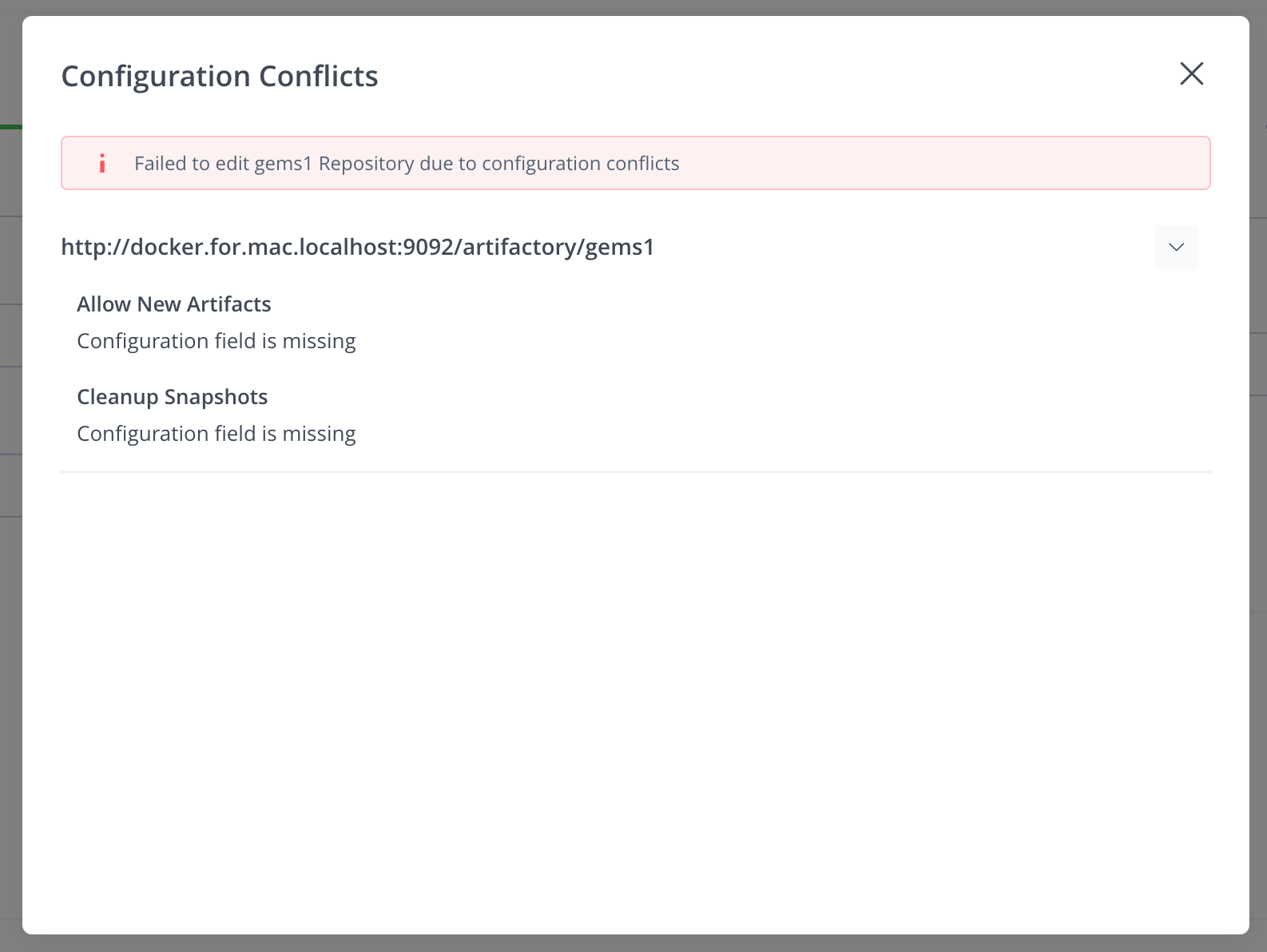
New features not found in the older version: for example, if there are new fields not found in the older version, a message like the following is displayed. You can respond by either disabling the new fields in the Federation member running the new Artifactory version, or by removing the member from the Federation.
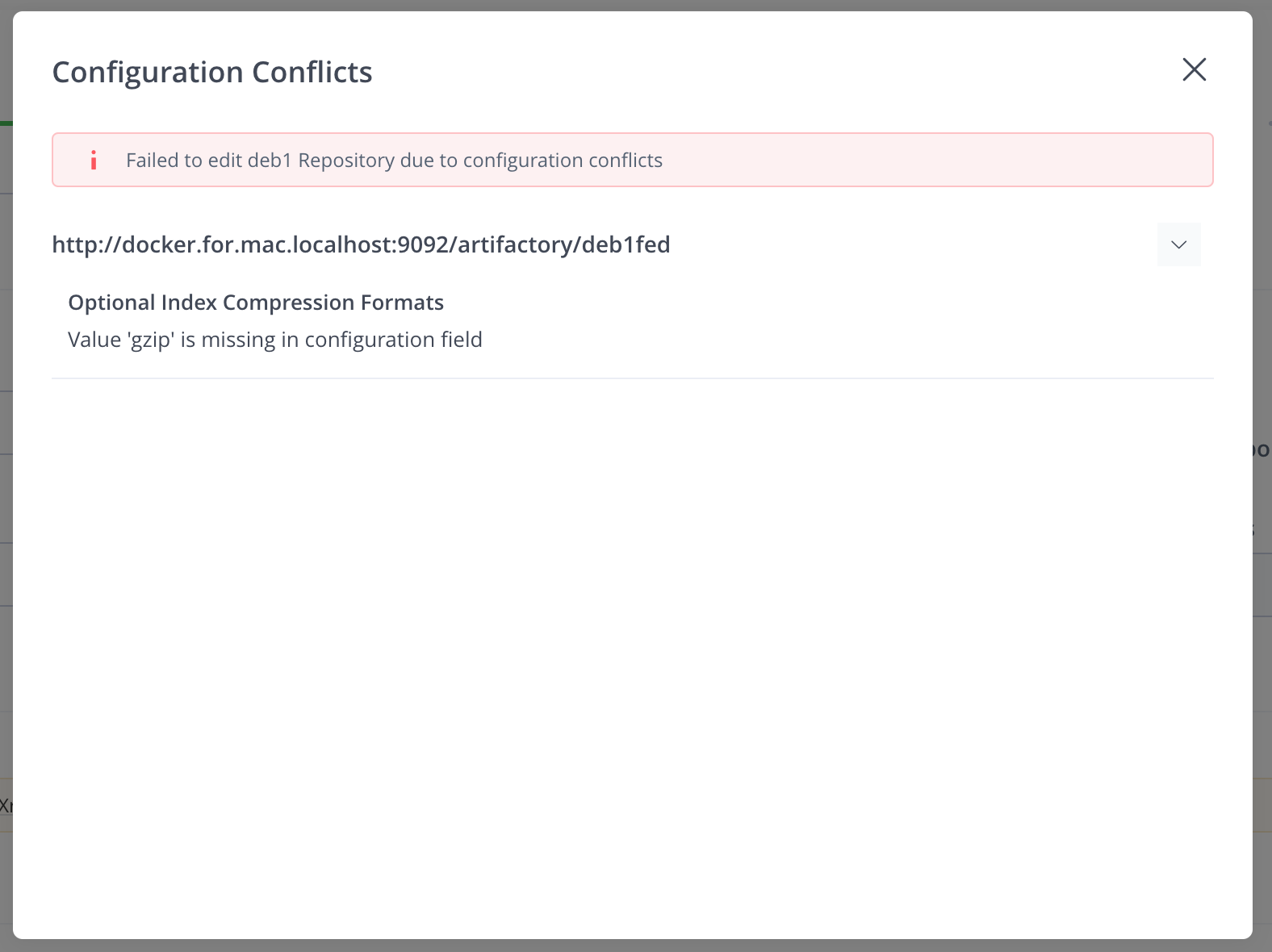
Enhanced features with new values not available in older versions: for example, if an existing feature has been enhanced with a new value that isn't available in older versions, a message like the following is displayed. You can respond by selecting a value that the older versions support.
API Behavior
When creating repositories using the API, the process works in a more automated fashion to prevent other automated processes (such as disaster recovery) from breaking due to the Federation member that was upgraded.
- If there are new features that older versions do not support, the new feature is disabled.
- For upgraded features, a default value is chosen that is supported on all member versions.
Known mixed-version limitation
The current RTFS implementation is not backward compatible with older Federation sites in some error scenarios. In a mixed-version Federation, if Artifactory encounters an error while processing a mirror event, RTFS might be unable to parse the response. This can prevent the affected event batch from being processed correctly.
This is an application compatibility issue; no configuration workaround is available. A fix is planned for a future release.
Related Topics
Updated 3 months ago